Teams
Choose who on a team is notified and how requests escalate.
A team groups people who can review requests. An escalation path can target the team, and the team's escalation policy decides which members to notify and when.
This page covers the policy for an existing team. Team administration covers creating teams, membership, permissions and archiving the team itself.
The policy belongs to the team. Every path that targets it uses the same active policy. Without an active policy, everyone on the team is notified at once. See the Escalation paths concept for how this fits with approval pipelines.
Team policy
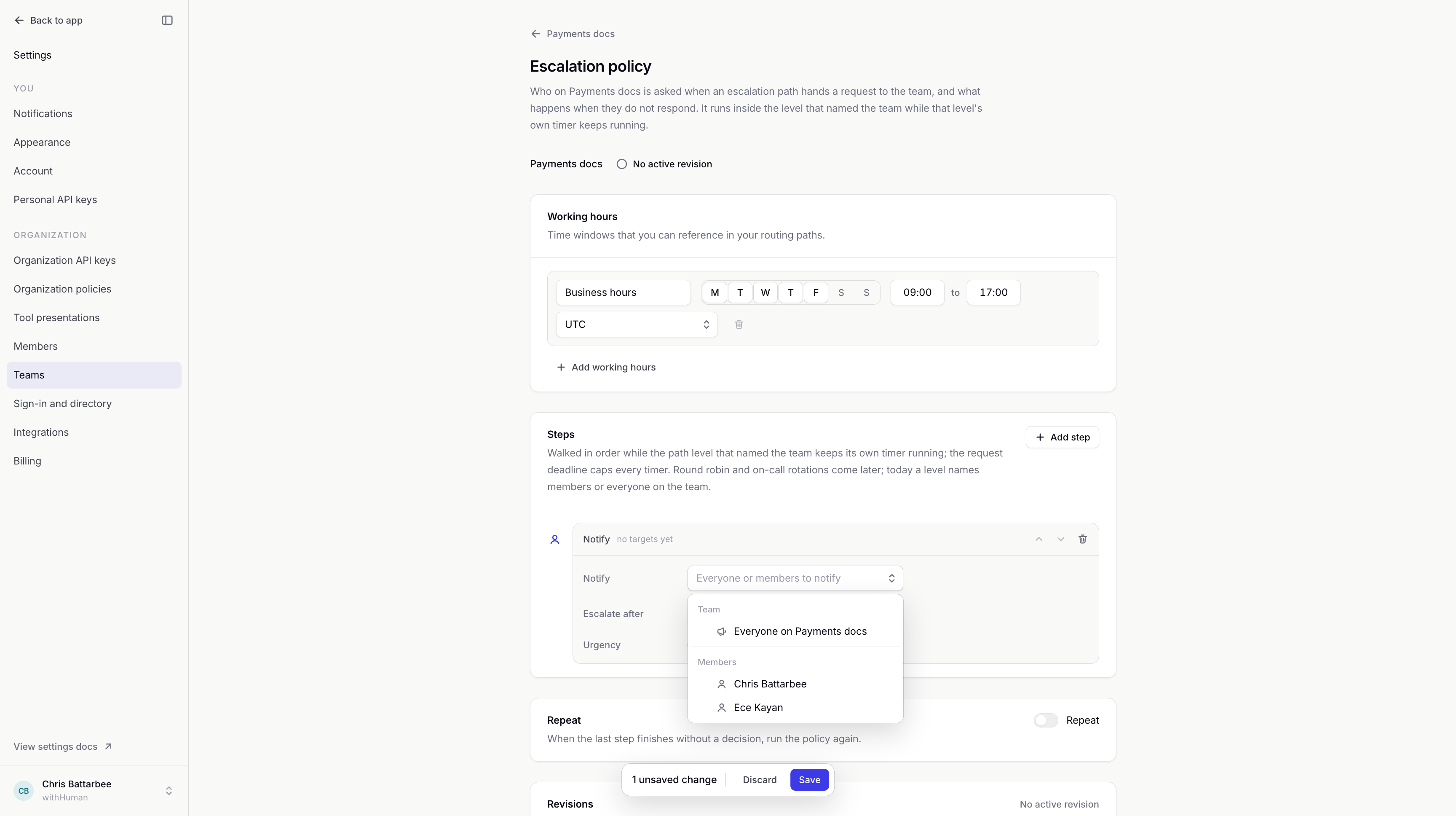
The team's Escalation policy page manages its notification rules and saved revisions. It uses the same working hours, ordered steps and repeat settings as an escalation path, with reviewer targets limited to that team.
Reviewers
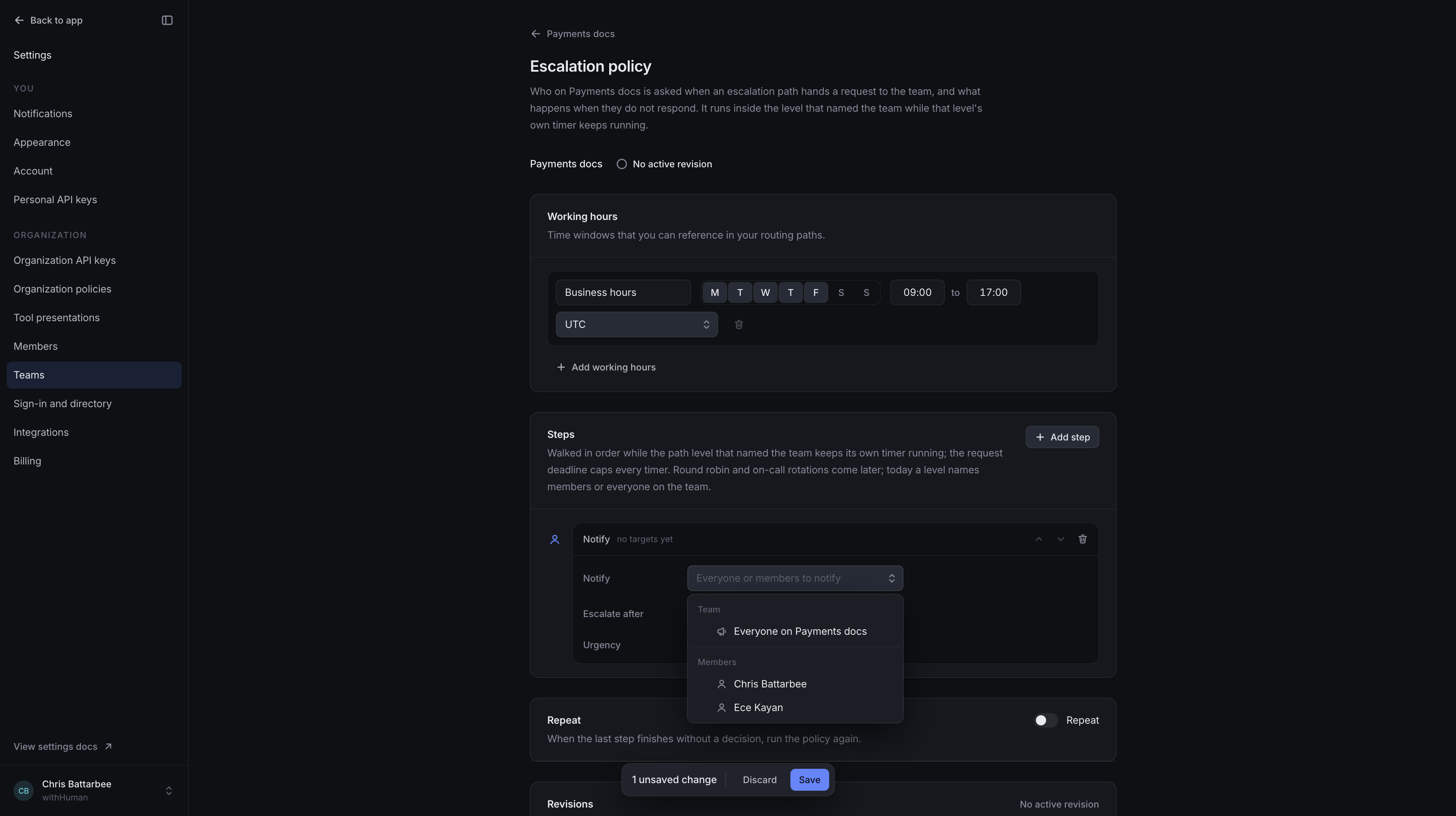
A Notify step can select individual active members or Everyone on [team name]. Everyone uses the team's current membership, so you do not need to list each person separately.
A team policy cannot target another team or people outside its membership. The organization-wide escalation path handles routing to those reviewers.
The policy controls notifications, not who is allowed to decide. Every authorized current member of the targeted team can review the request, even before being notified. One member's approval or denial ends the request for everyone.
Rules and timing
Team policies use the same rules as escalation paths: Notify, If / else, Defer, urgency and Repeat. Request conditions select who gets notified; working-hours conditions can select different members at different times.
The team's policy starts when the path reaches the team. Its timers run independently of the path's Escalate after timer. The path can contact its next reviewer while the team policy continues. Neither timer extends the request's deadline.
Example: Team first, lead next
We'll notify one Payments team member immediately and set that team's next step to notify everyone after 5 minutes. The path that targets the team waits 10 minutes before also notifying the finance lead.
Loading diagram…
Diagram source
flowchart TD
    start["Path reaches Payments team"] --> member["Team policy: notify first member"]
    start --> pathWait["Path waits 10 minutes"]
    member -->|No decision after 5 minutes| everyone["Team policy: notify everyone"]
    pathWait -->|No decision| lead["Path: notify finance lead"]
    everyone --> teamContinues["Team policy continues on its own timers"]
The diagram assumes nobody decides or claims the request. If anyone approves or denies, all escalation stops. A claim pauses escalation countdowns in both the path and the team policy.
If the path waited only two minutes, the finance lead would be contacted before the team's five-minute step.
Drafts and activation
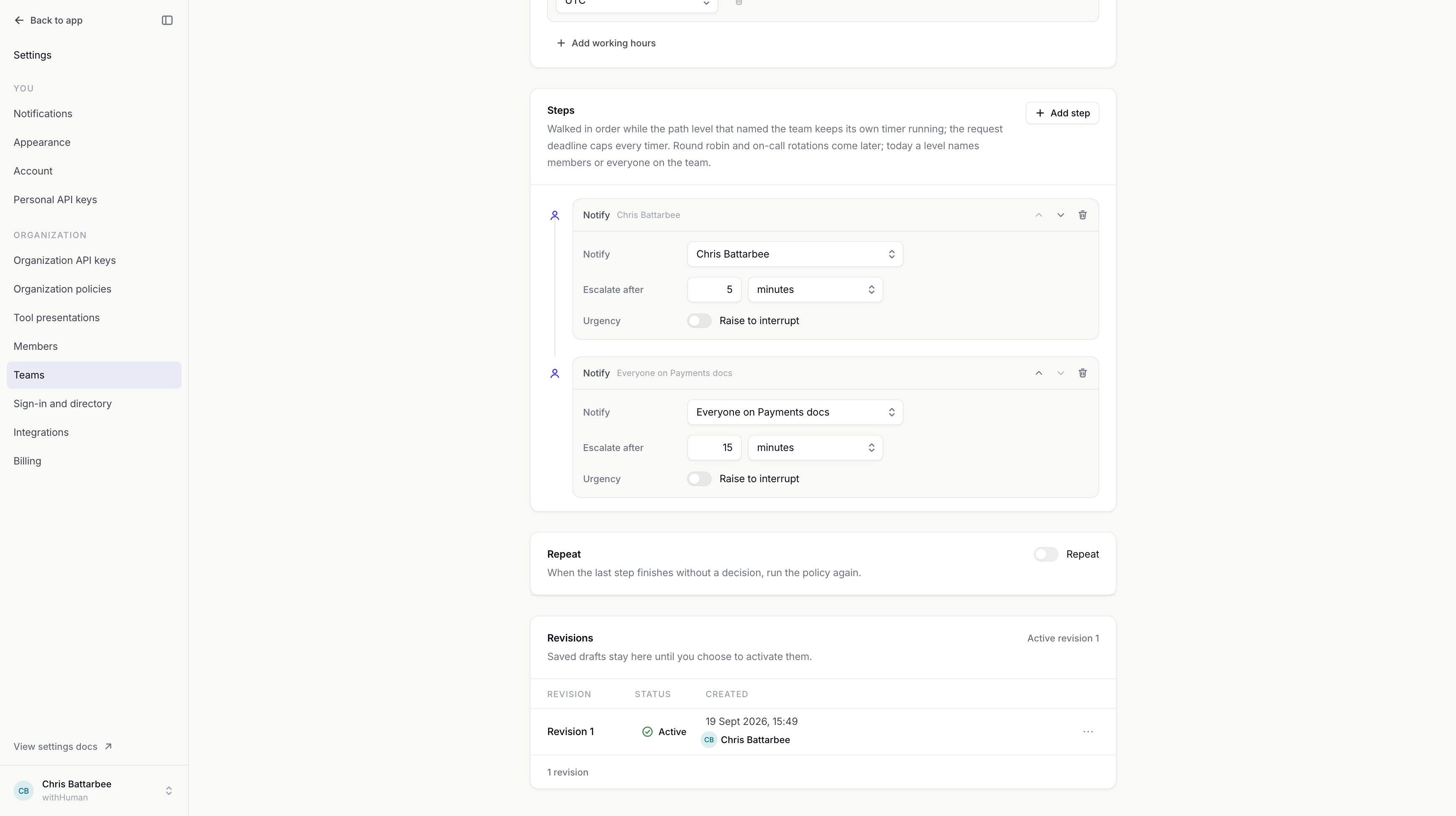
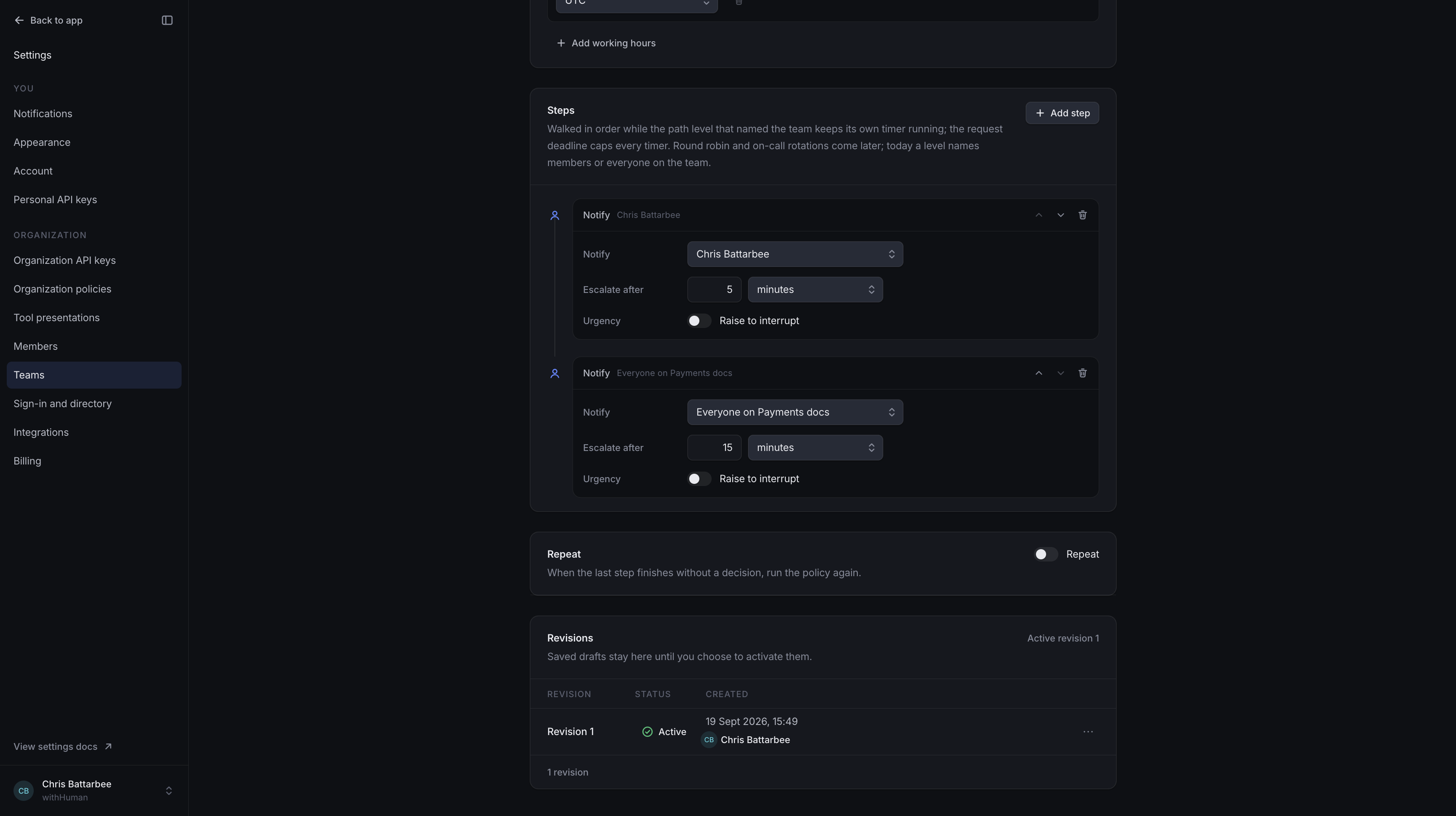
Changes are saved as revisions. Drafts leave the active policy unchanged; activation applies the new rules to newly routed requests. A draft alone does not replace the notify-everyone default.
Pending requests keep the policy rules they had when routed, including requests that have not reached the team's notification step yet. Changing the team's policy does not require editing every path that uses it.
Revision history keeps earlier versions available for comparison, further editing or rollback.
Archive policy removes the active policy and keeps its history. New requests routed to the team return to notifying everyone at once. You can activate a saved revision later. Archiving the policy does not archive the team.
Membership warnings
If a policy names someone who has left the team, their step skips them. Everyone always reflects the team's current membership.
The app blocks manual removal of a member named by the active policy. An updated active policy must stop naming them before their membership can be removed. Directory changes can still leave an older policy naming a former member.
A warning that members cannot decide requests means they lack the required permission. Changing their notification order does not change their access.
On-call rotations and round-robin selection are not available. Notifications to members follow their personal notification rules, which choose channels and delays once the policy reaches them.
Checking the policy
Team notification timing can be checked with a controlled request, as described in Checking routing. Pipeline Test request only identifies the path; it does not execute the team's policy or send notifications.
Permissions
Viewing a team, editing its policy and activating revisions are separate permissions. Activation permission also covers rollback and archiving. These permissions can be limited to one team and do not grant permission to decide requests.