Membership management
Invite people, manage member access and control who belongs to your organization.
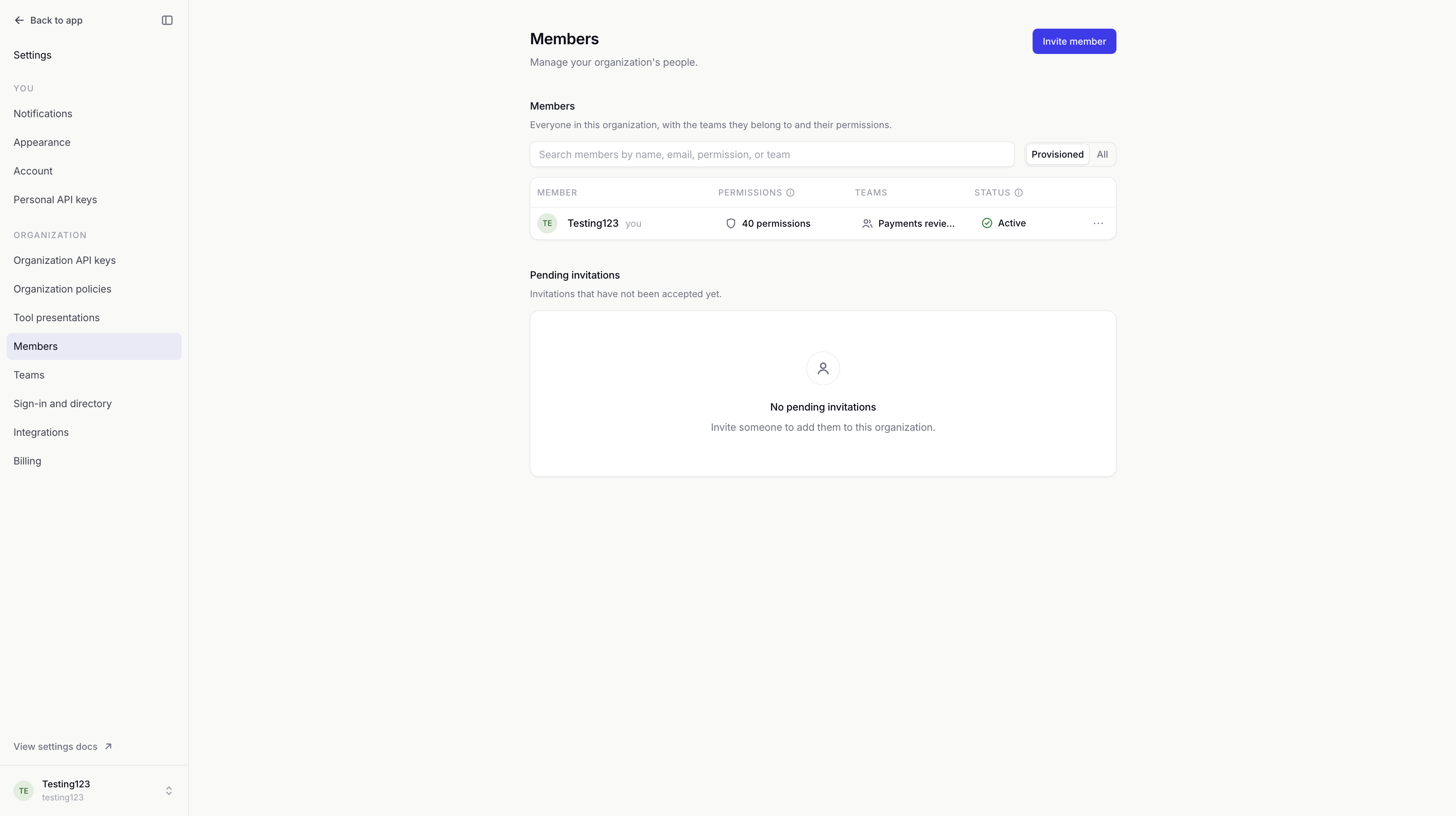
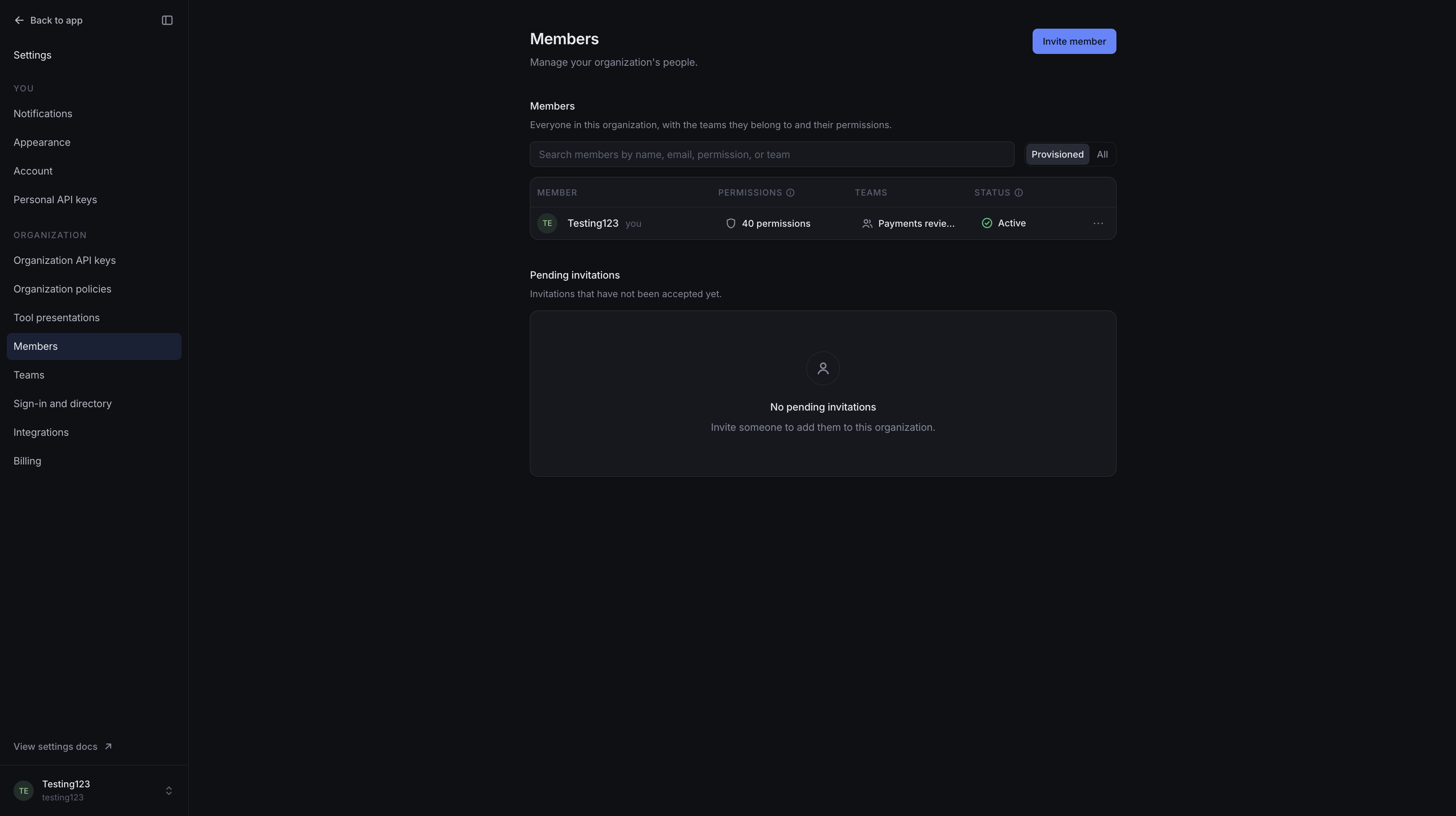
The Members page manages the people in your organization. It shows their teams, permissions and status, along with invitations waiting to be accepted.
Members
The member list is searchable by name, email, permission or team. Provisioned shows active and suspended members. All also includes people who have been removed.
Each permission count opens a summary of what the member can do, where that access applies and whether it comes from a direct policy, a team or organization ownership. Permissions covers changing that access. Team administration covers adding people to teams.
Invitations
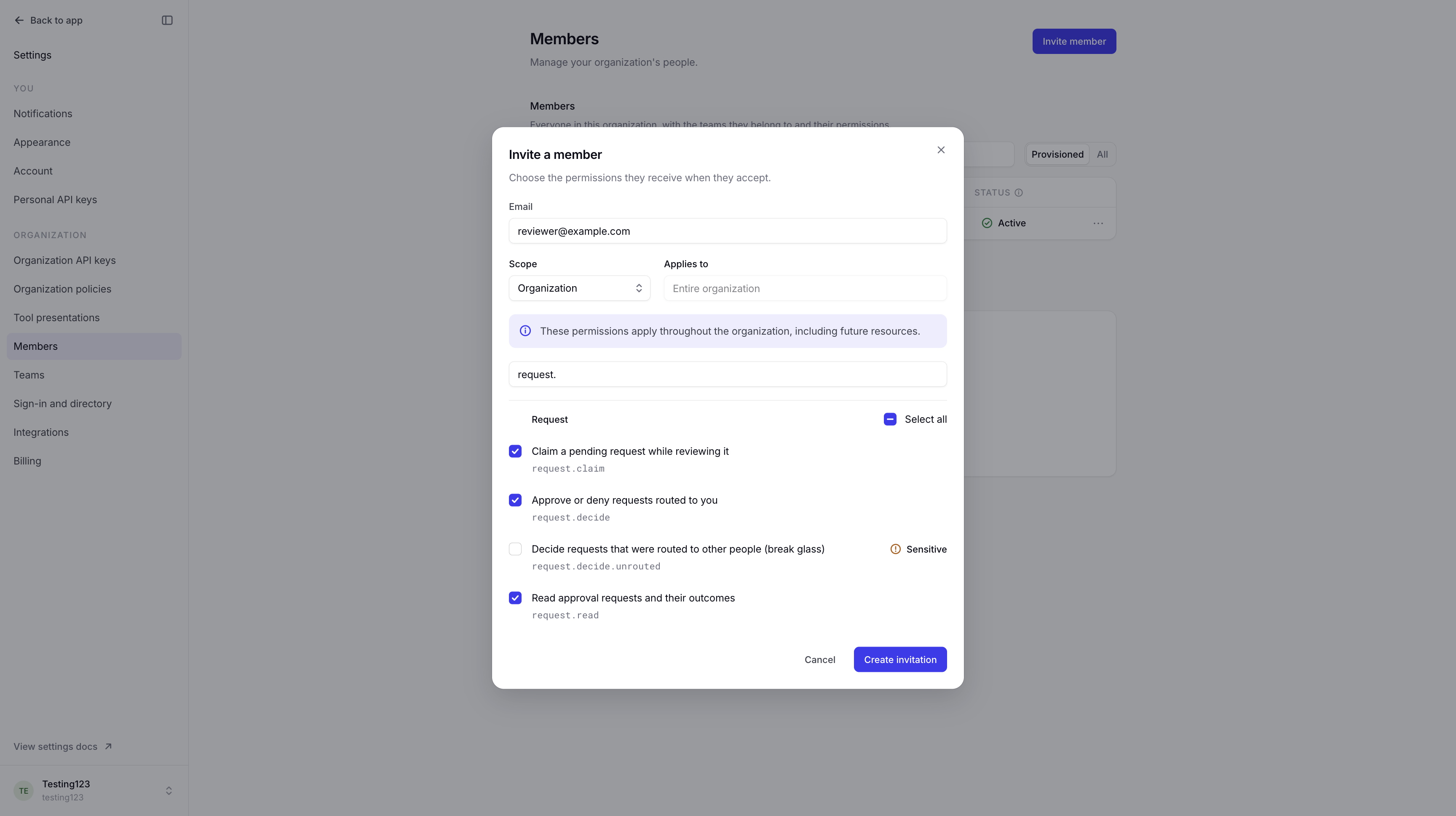
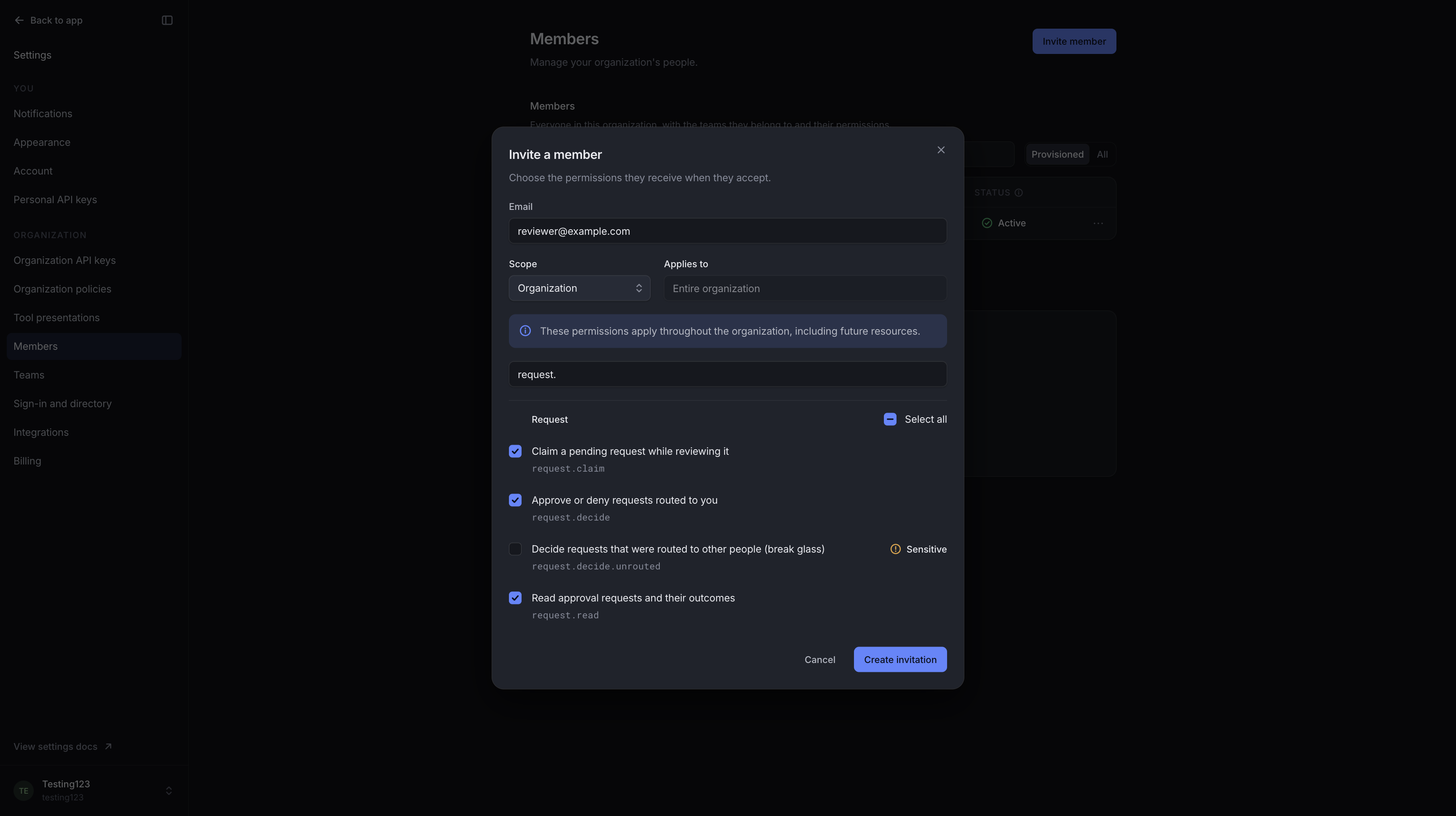
An invitation is addressed to one email and includes the permissions the person will receive when they join. Scope limits where those permissions apply. You can grant only access you already have and are allowed to manage. See permission scopes for the available choices.
withHuman emails the invitation when email delivery is configured. The app also provides a link you can share with the invitee. Invitations expire after seven days by default; each one shows its expiry date.
On hosted withHuman, active members and unexpired pending invitations count toward the seat limit. If an invitation is blocked by that limit, add seats in Billing or revoke an unused invitation.
Example: Inviting a reviewer
We'll invite [email protected] with permission to read, claim and decide requests, using Organization scope. Once they join, they can review requests assigned to them or their team.
Pending invitations
Pending invitations shows who has not joined, their initial permissions and when their invitation expires.
Get link creates a replacement link and renews the expiry. The previous link stops working. The replacement is also emailed when email delivery is configured.
Revoke prevents an invitation from being accepted. It does not remove someone who has already joined; their access is managed as a member. To change a pending invitation's email or permissions, revoke it and create a new invitation.
Joining the organization
The invitation must be accepted with the email address it was sent to. The acceptance page lets an existing user join with their account, or a new user create an account. Organizations that use single sign-on direct the invitee to Continue with SSO.
If the invitee is signed in with a different email, they need to sign out first. An expired, revoked or replaced link cannot be used; ask the inviter for a current invitation.
Acceptance makes the person an active member with the invitation's permissions. Team membership is managed separately.
Member status
| Status | What it means |
|---|---|
| Active | The person can access the organization according to their permissions. |
| Suspended | Their access is paused. Their permissions are kept, but they cannot sign in or decide requests. |
| Deprovisioned | The person has been removed. Their sessions and personal API keys are revoked, and their history is retained. |
Reactivate restores a suspended member's access using their current permissions. Their personal API keys also work again if they are still valid. Use suspension for a temporary break: removed members cannot be reactivated from this page.
Remove ends access immediately, including access to requests already waiting for review. It preserves past decisions and the audit trail. These changes affect this organization, not the person's memberships elsewhere.
Reviewers in active paths
Suspending or removing someone may affect who can review requests. If an active escalation path or team escalation policy names them individually, withHuman lists the affected rules before allowing the change.
Update those rules to name another reviewer. Suspend anyway and Remove anyway let you proceed immediately, but the rules still name the unavailable person. A step that relied on them alone will have nobody to notify until it is updated. The override is recorded in Audit log.
Directory-managed members
A Directory badge means the member is managed through your identity provider's directory sync. Their status and directory-managed permissions are changed there. Manual status and permission changes are unavailable in withHuman.
Directory updates can suspend or remove a member even if a review rule names them. Keep review paths up to date when people leave or change responsibilities.
Access and history
The Members page loads the roster, teams and invitations together. To use it, you need access to view members and teams and manage invitations. Changing member status and editing permission policies require additional access. Inviting someone also requires permission to grant the access you select.
You cannot suspend or remove yourself. Only an owner can change another owner's membership, and the organization must retain at least one active owner. Organization ownership explains these protections.
View in audit log shows a member's recorded activity. Audit log also records invitations, membership changes and permission changes.
For API access, see Members and Invitations.