Integrations
Manage your organization's connections to external services.
Integrations connect withHuman to external services your organization uses. The page brings these shared connections together so you can see what's connected and manage them in one place.
Each integration enables a particular capability. A chat integration, for example, lets withHuman reach reviewers through a service they already use.
Loading diagram…
Diagram source
flowchart LR
    organization["Your withHuman organization"] <-->|Shared connection| service["External service"]
Available integrations
Slack and Discord are currently available for reviewer notifications. You can connect one Slack workspace and one Discord server per organization, and use both at the same time.
| Integration | How members are linked |
|---|---|
| Slack | withHuman matches members to Slack accounts using confirmed email addresses. |
| Discord | Each member links their own Discord account and must belong to the connected server. |
Each service shows its connection status:
- Connected: the external service is connected to your organization.
- Disconnected: Slack access was removed. Reconnect to restore access and match members again.
- Not connected: the service is available, but this organization has no connection yet.
- Not enabled: the deployment does not have that service configured. The person running the deployment needs to enable it before an organization can connect.
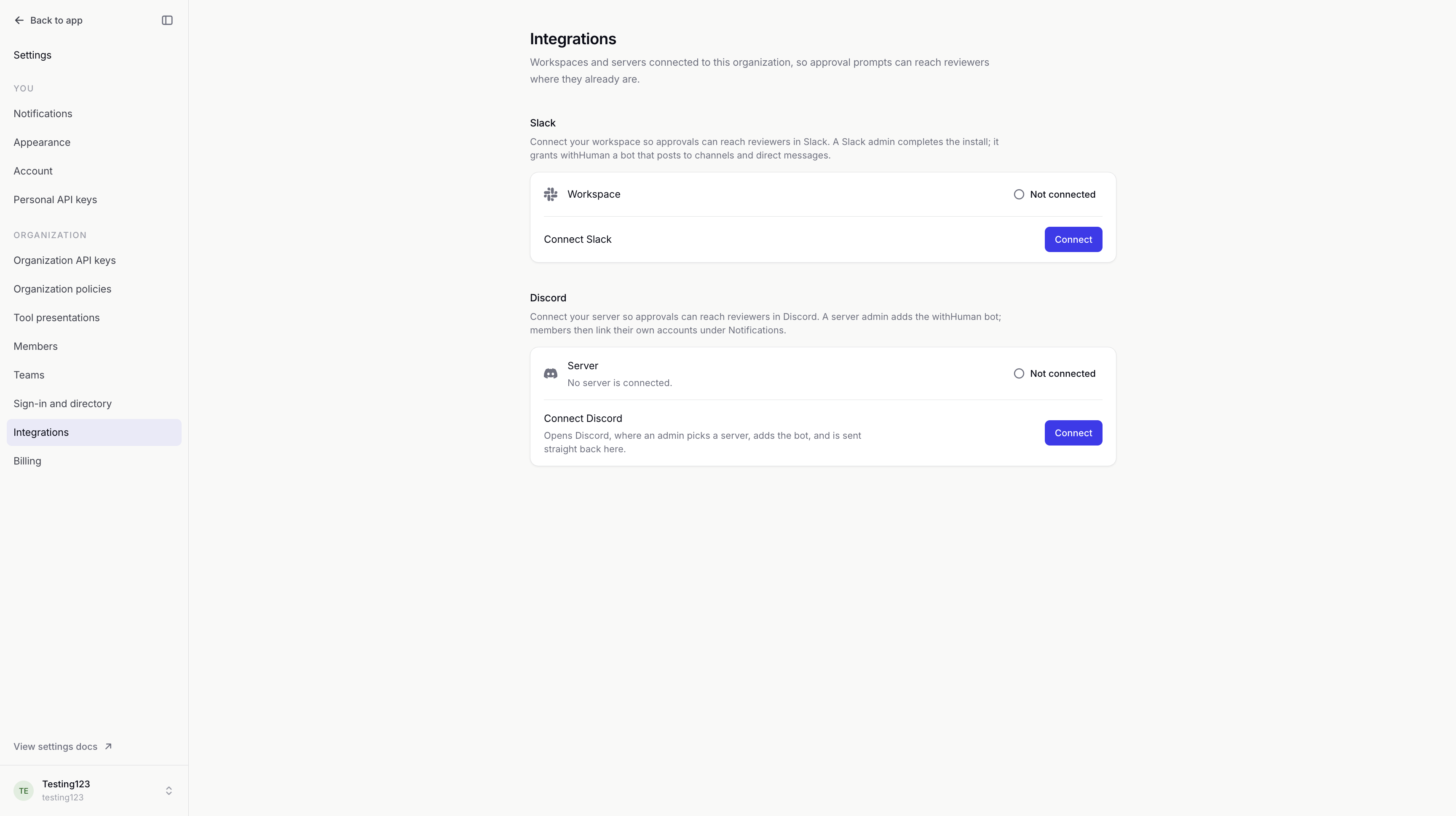
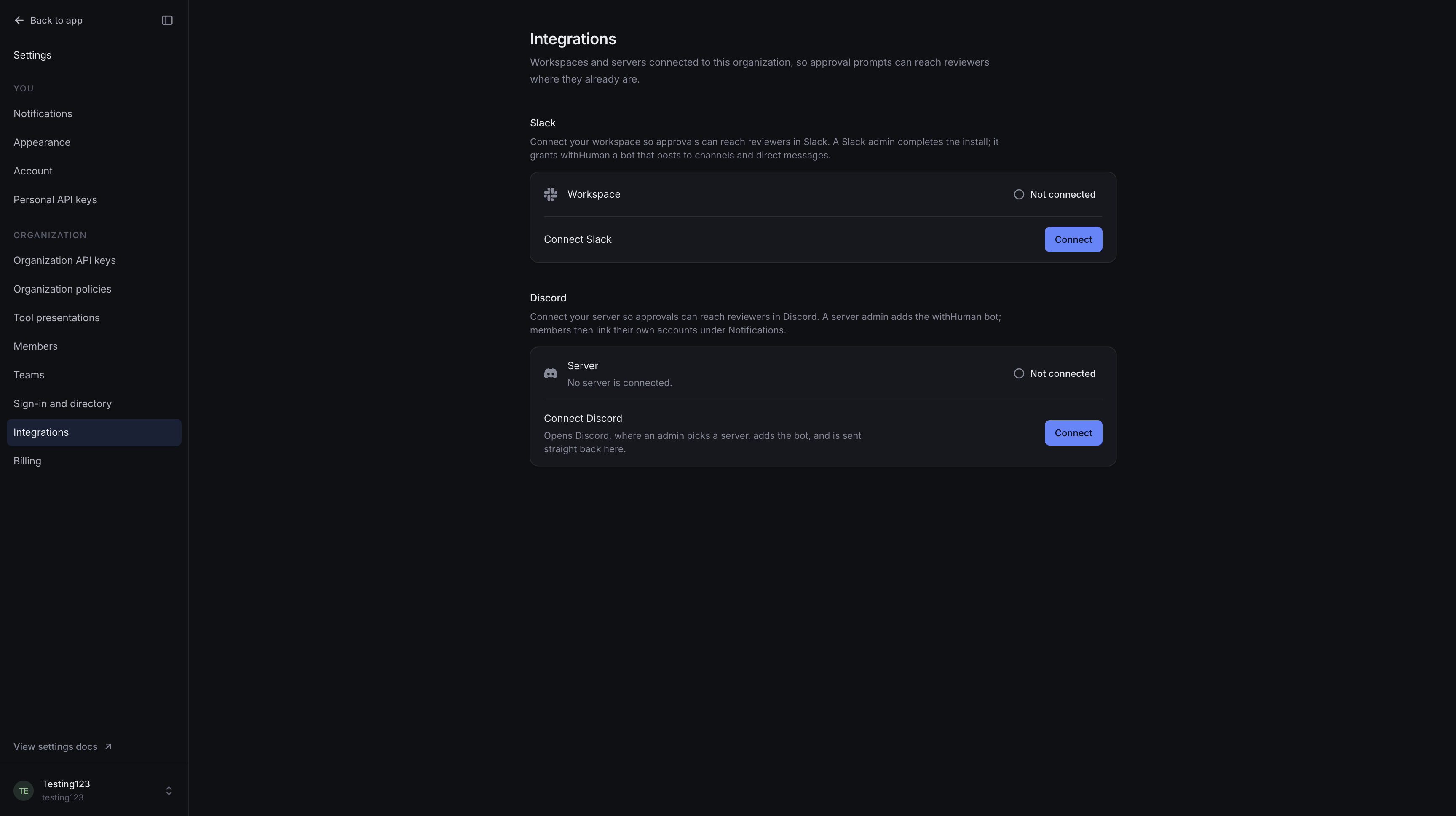
Chat notifications
Chat integrations combine the organization's connection with each reviewer's linked account and notification rules. Linked members counts active organization members with a linked account.
Personal rules choose whether a chat service is used for standard or urgent requests. Connecting a service does not add it to rules someone has already customized.
An escalation path still chooses who to contact. Chat messages contain a summary and a link to the request; request arguments stay in withHuman to avoid leaking sensitive details. Reviewers approve or deny in withHuman. Replies in Slack or Discord do not record decisions.
The personal Slack and Discord guides cover account linking and message preferences.
If Slack disconnects, members' saved rules are kept. Other channels continue, and account email is used when needed. See Slack disconnection for reconnecting and what members can expect.
Permissions and history
Viewing connections and managing them are separate permissions. Management access covers connecting, disconnecting and service-specific actions such as syncing members. Connecting also requires the appropriate authorization in the external service.
Members can link their own chat accounts under Notifications without permission to manage the organization's integrations.
Audit log records connection and disconnection activity. Disconnecting affects the whole organization; each integration's guide explains how notifications are affected.