Webhook endpoints
Manage the endpoints that approval pipelines call for external decisions.
Webhook endpoints connect approval pipelines to external services that can help decide requests. An endpoint defines where a call goes and how the receiving service verifies it came from withHuman.
The Webhook block defines when to call that endpoint, what information to include, which outcomes it can return, and how long to wait. Several blocks and pipelines can share one endpoint.
Endpoints
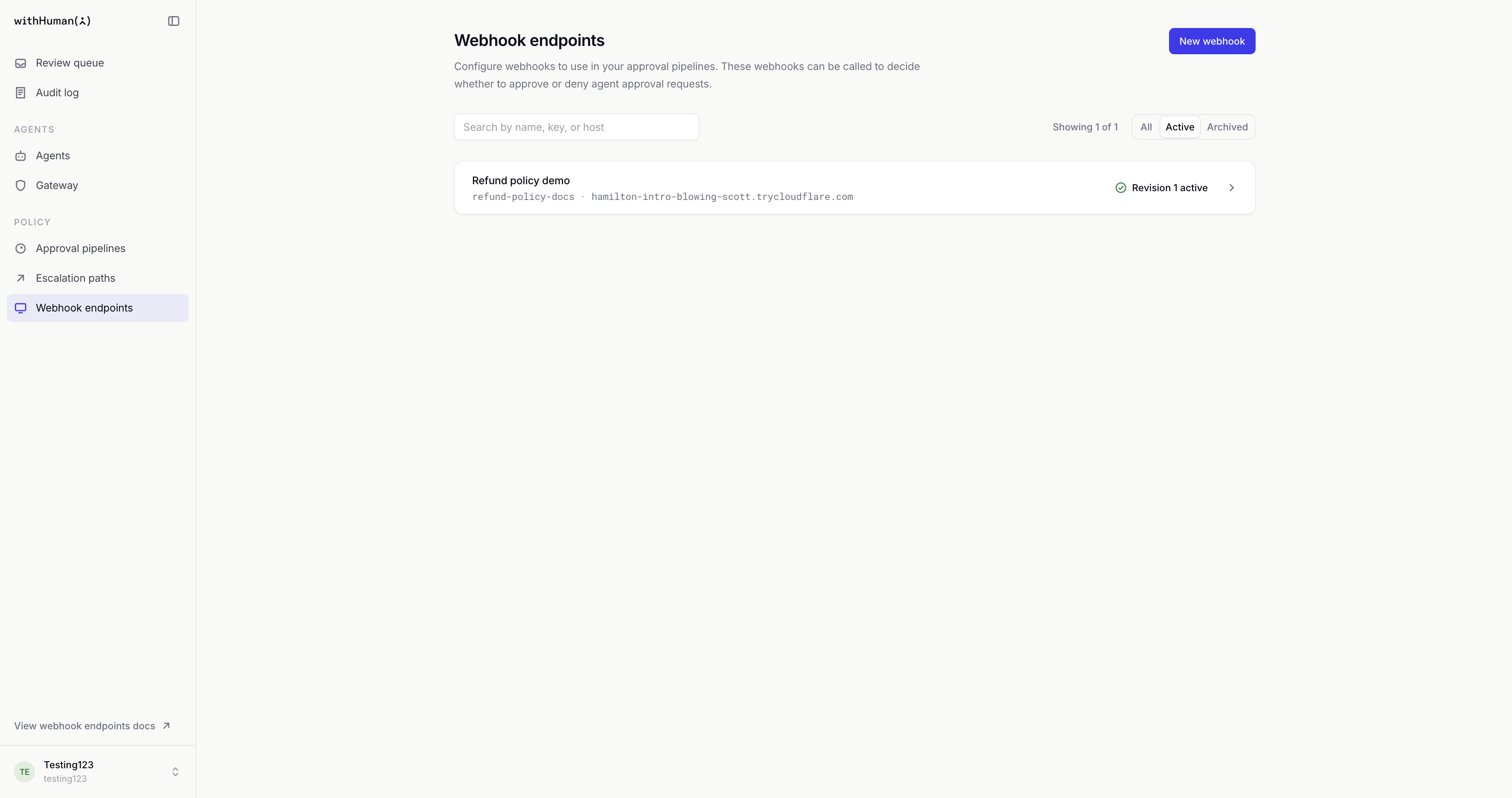
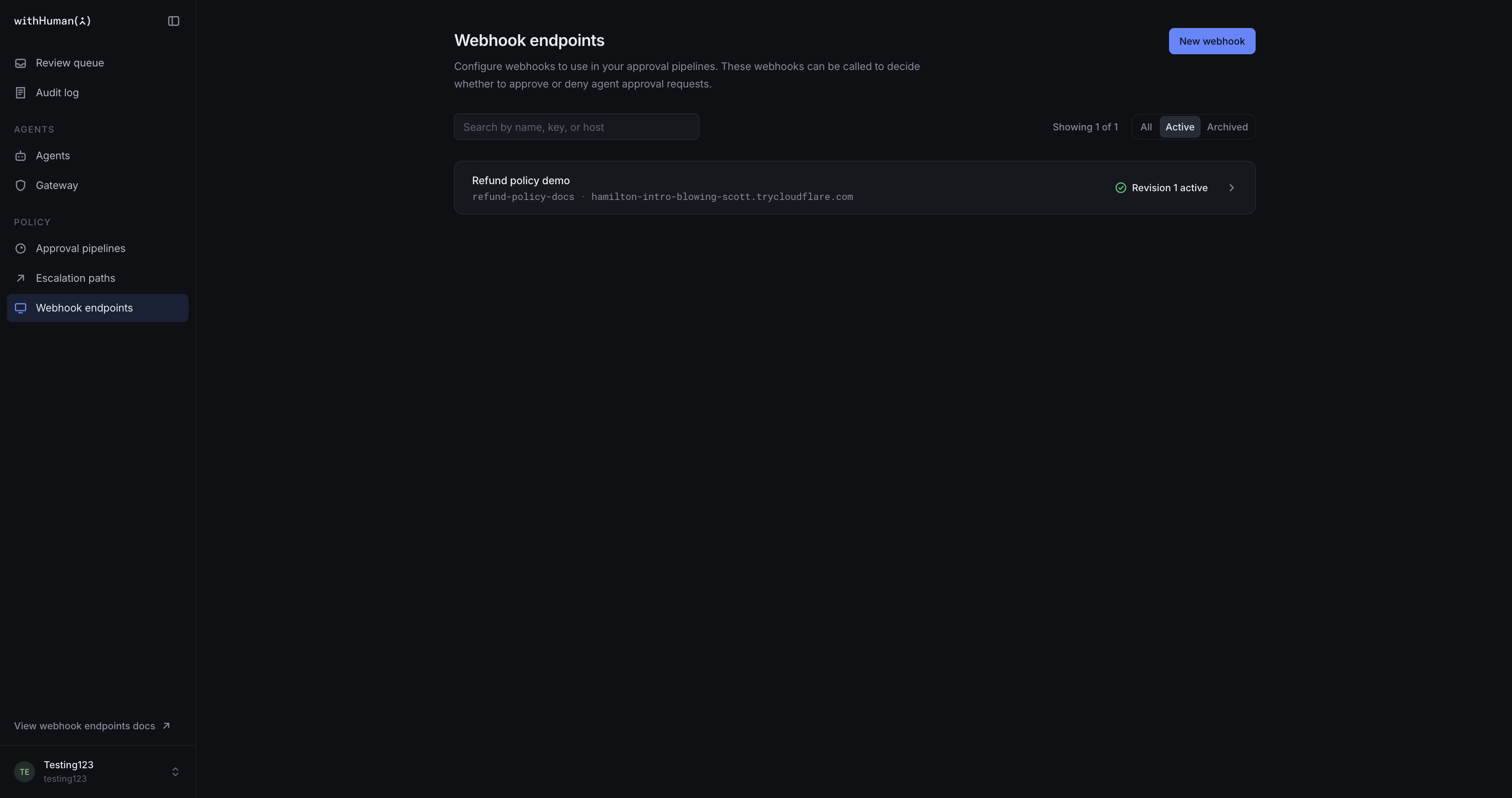
The Webhook endpoints page shows your organization's destinations, their active or archived status, and which active pipelines use them. Each endpoint has a display name, a permanent key that blocks reference, and saved versions called revisions.
The endpoint's active revision supplies its destination URL. A new endpoint can remain a draft until it is ready to receive calls. A pipeline that references it needs an active endpoint revision before that pipeline can be activated.
Loading diagram…
Diagram source
flowchart TD
    first["Pipeline A: Webhook block"] --> endpoint["Shared webhook endpoint"]
    second["Pipeline B: Webhook block"] --> endpoint
    endpoint -->|Signed request to active destination| service["External policy service"]
    service -->|Outcome| caller["Calling block applies its allowed outcomes"]
Each call receives its own answer. Sharing an endpoint does not share a decision between requests.
Destinations
A destination must be a publicly reachable HTTPS address. Local and private-network addresses cannot receive these calls. Redirects are not followed, so the destination must be the service's final address.
The receiver returns a valid outcome: Continue, Ask a human, Approve or Deny. A particular block may allow only some of those answers. A successful connection alone does not mean the service's answer is valid or permitted by the block.
The Webhook blocks guide explains responses and their effect on the pipeline. The API reference covers endpoint management for integrations.
Signing secrets
Every delivery is signed with the endpoint's signing secret. The receiving service uses it to verify that the call came from withHuman and was not changed on the way.
The secret is shown once when the endpoint is first saved, and once when it is rotated. It cannot be retrieved later. The receiver needs a securely stored copy to verify deliveries.
The same secret applies to every revision and every pipeline using that endpoint. Changing a destination or rolling back a revision does not change the secret.
Rotate secret replaces it immediately, with no overlap between old and new secrets. The receiver must be updated to use the new secret or its signature checks will fail. Rotation is also how a lost secret is replaced.
Example: Verify deliveries in Python
Our Refund policy demo receiver can use Python and Flask to check the signature before evaluating a refund. Store the complete secret, including its whsec_ prefix, in the receiver's WITHHUMAN_WEBHOOK_SECRET environment variable. Use the secret as text, without decoding it.
The WithHuman-Signature header contains t, a Unix timestamp in seconds, and v1, a hexadecimal HMAC-SHA256 signature. The signed message is the timestamp, a period and the original request body bytes. Parsing and re-encoding the JSON before verification can change those bytes and invalidate the signature.
import hmac
import os
import time

from flask import Flask, abort, request

app = Flask(__name__)
SIGNING_SECRET = os.environ["WITHHUMAN_WEBHOOK_SECRET"].encode("utf-8")


def valid_signature(body: bytes, header: str) -> bool:
    try:
        fields = dict(part.strip().split("=", 1) for part in header.split(","))
        timestamp = fields["t"]
        supplied = bytes.fromhex(fields["v1"])
        if abs(int(time.time()) - int(timestamp)) > 300:
            return False
    except (KeyError, ValueError):
        return False

    message = timestamp.encode("utf-8") + b"." + body
    expected = hmac.digest(SIGNING_SECRET, message, "sha256")
    return hmac.compare_digest(expected, supplied)


@app.post("/refund-policy")
def refund_policy():
    body = request.get_data()  # Keep the original bytes for verification.
    if not valid_signature(body, request.headers.get("WithHuman-Signature", "")):
        abort(401)

    # Evaluate your policy only after the signature has been verified.
    return {"outcome": "human", "reason": "A reviewer must check this refund."}
This example uses Flask's raw body access and Python's constant-time signature comparison. It rejects timestamps more than five minutes from the receiver's clock, so keep that clock accurate. A valid signature can still be replayed within that window; it does not guarantee a unique delivery.
We'll leave the response as human until our refund rules are ready. This verifies the sender without approving the refund. An endpoint test delivery exercises the same verification; a pipeline using this example should allow Ask a human.
Drafts and activation
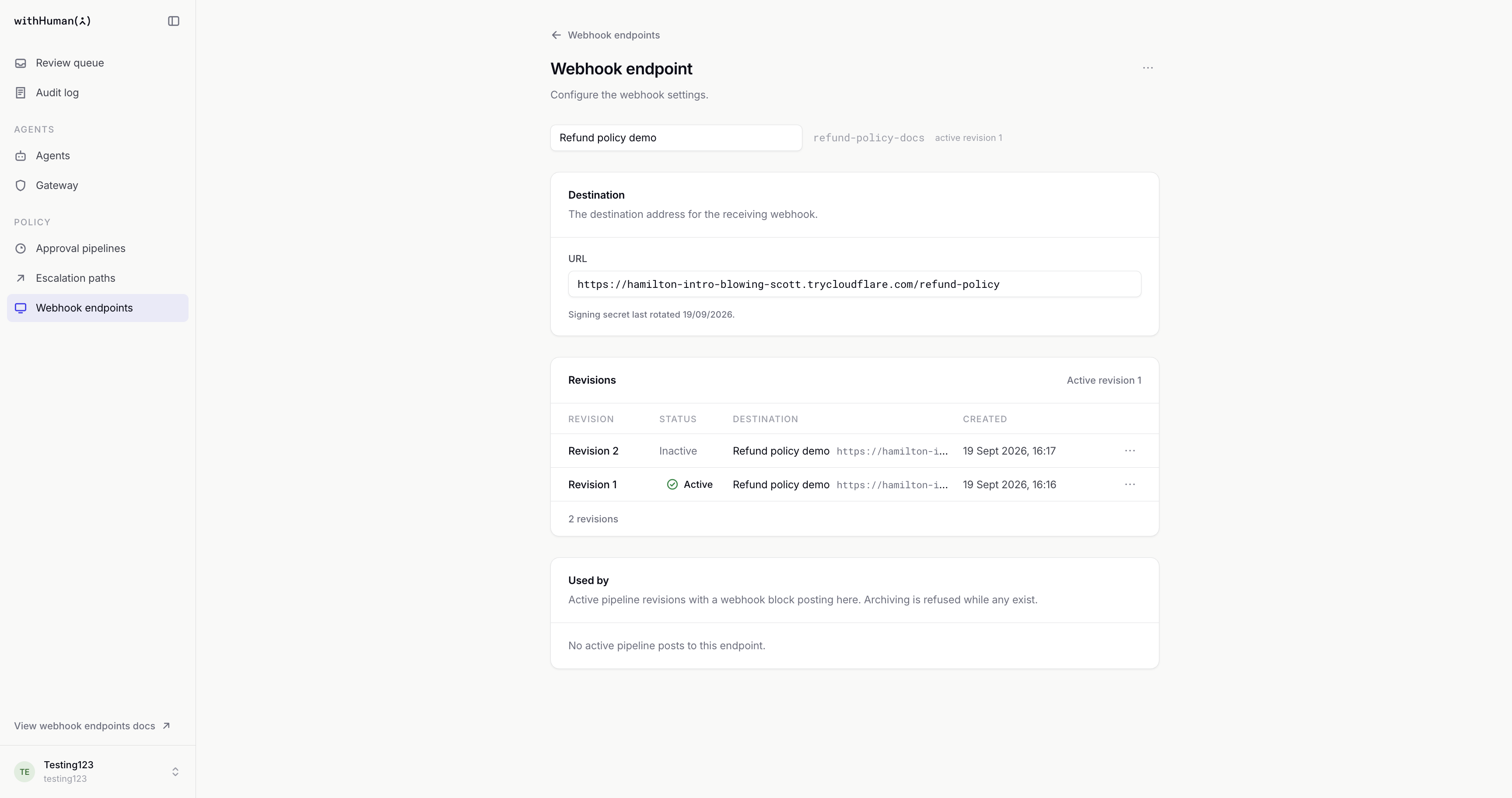
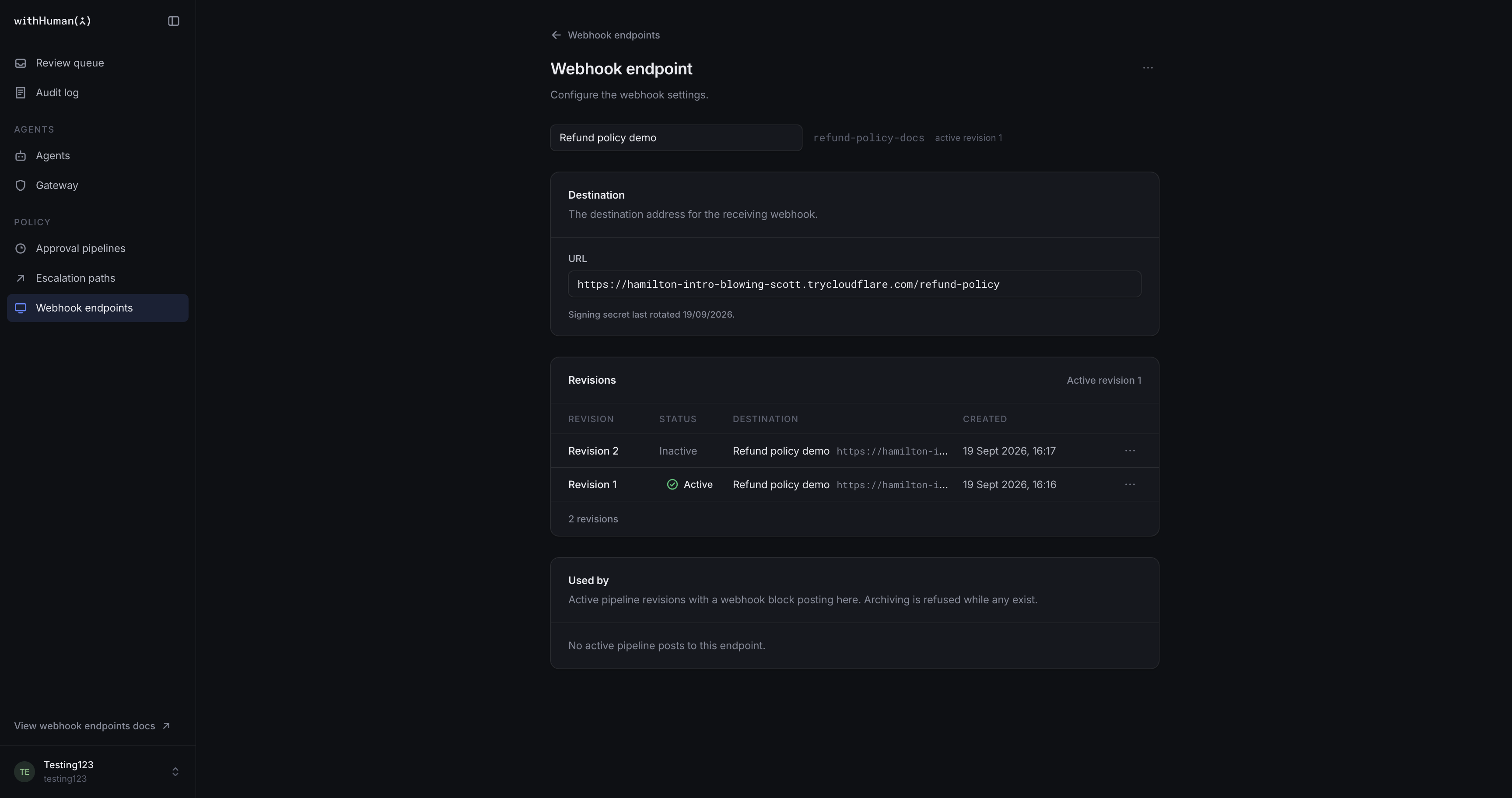
A saved revision records a name and destination. Drafts preserve proposed changes without affecting the active destination. Activation makes one revision current; rollback makes an earlier revision current again. Revision history remains available in both cases.
A Webhook block uses the endpoint revision that is active when the block runs. This also applies to a request waiting to run its webhook: if it resumes after activation, it uses the newly active destination. Changing an endpoint does not require new revisions of every pipeline that references it.
Example: A new refund-policy destination
Our Refund policy demo endpoint is used by refund checks in several pipelines. We'll keep its current destination active while a second revision holds the updated service address. Testing that draft checks the new receiver before activation. Once activated, webhook blocks use the new address without changes to their endpoint references.
Test deliveries
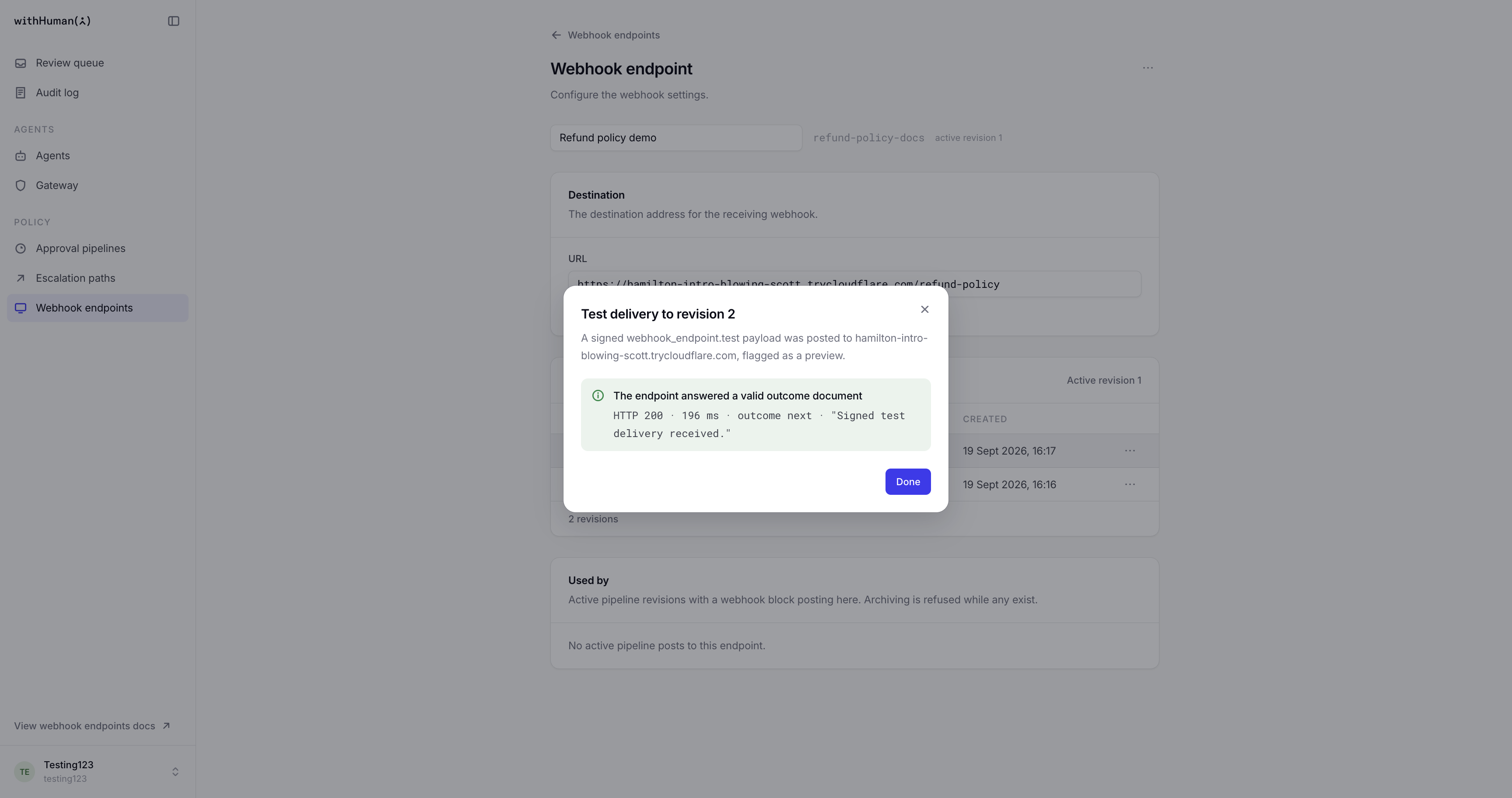
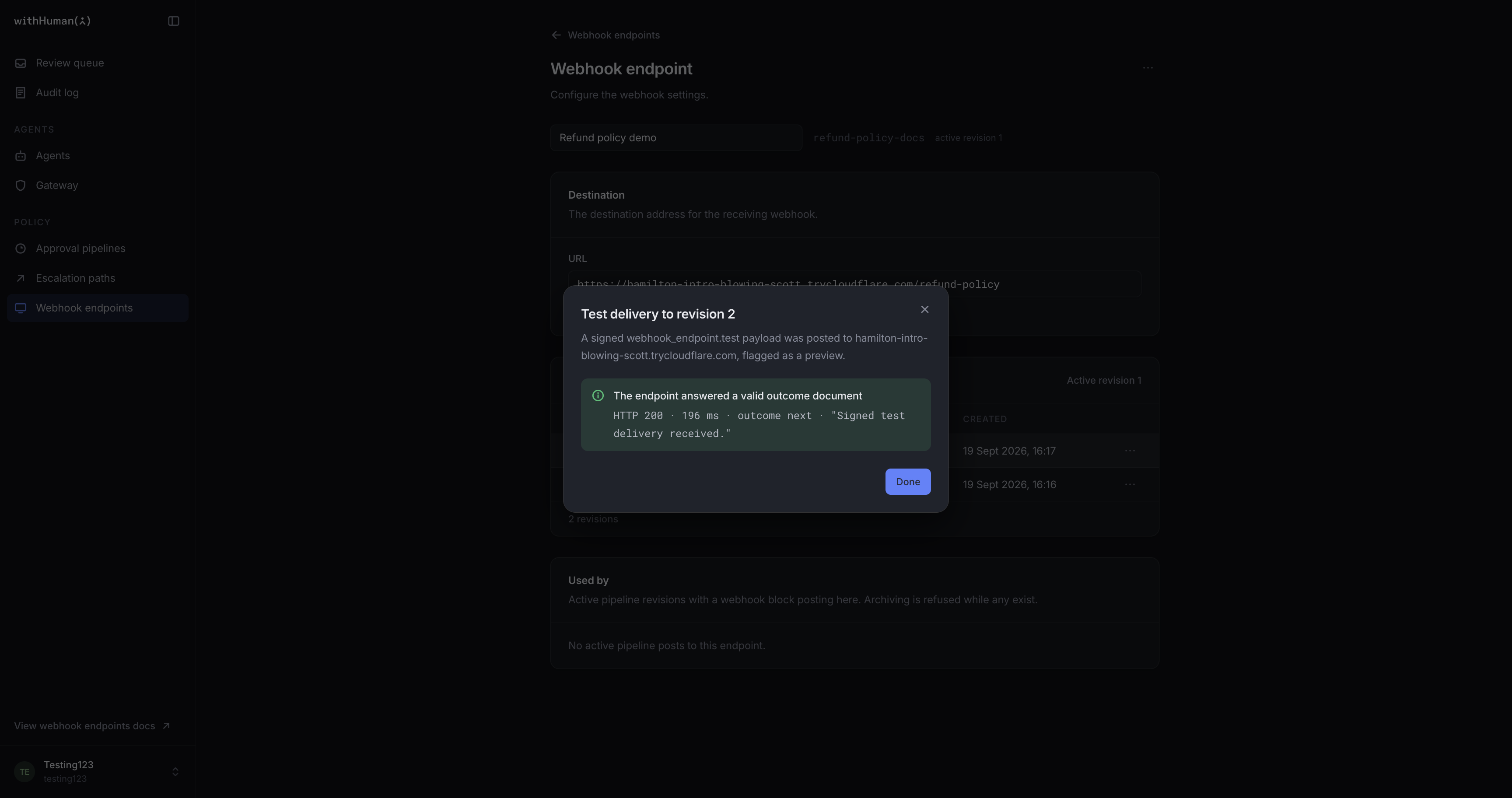
Send test delivery sends one signed synthetic call to a selected saved revision, including a draft. It creates no approval request and contacts no reviewers, but it is a real call to the receiving service. The call is marked as a preview so the receiver can recognize a test.
The result shows the HTTP status, delivery time, returned outcome and optional reason, or an explanation of the failure. A test waits up to 10 seconds for an answer. Common problems include an unreachable or blocked address, a timeout, an error response, or an invalid outcome document. Tests are recorded in Audit log.
A successful endpoint test confirms that this synthetic call received a valid answer. It can also check signature handling when the receiver verifies signatures. It does not test a pipeline's conditions, allowed outcomes or handling of a particular refund.
Test request in the pipeline editor checks those pipeline choices using a sample request. It calls the endpoint only if the sample reaches the Webhook block.
Pipeline uses and archiving
Used by shows the active pipeline revisions that reference the endpoint. These references prevent archiving until they are removed from the active pipeline revisions.
Archiving removes the active destination but keeps the endpoint's history and signing secret. A saved revision can be activated again later. While the endpoint is archived, pipelines referencing it cannot be activated. If a waiting request reaches an unavailable endpoint, its Webhook block falls back to human review.
Permissions and availability
Viewing endpoints and managing them require different access. Management covers saving revisions, activation, rollback, test deliveries, secret rotation and archiving. Managing an endpoint does not grant permission to decide approval requests.
If Webhook endpoints are not configured appears, the deployment has not enabled the signing support needed for endpoints and Webhook blocks. An administrator needs to configure it before they can be used.