Organization policies
Manage organization-wide rules for reviews, request visibility and API keys.
Organization policies set shared rules and restrictions for how people and agents use withHuman across your organization.
Reviewer sign-in
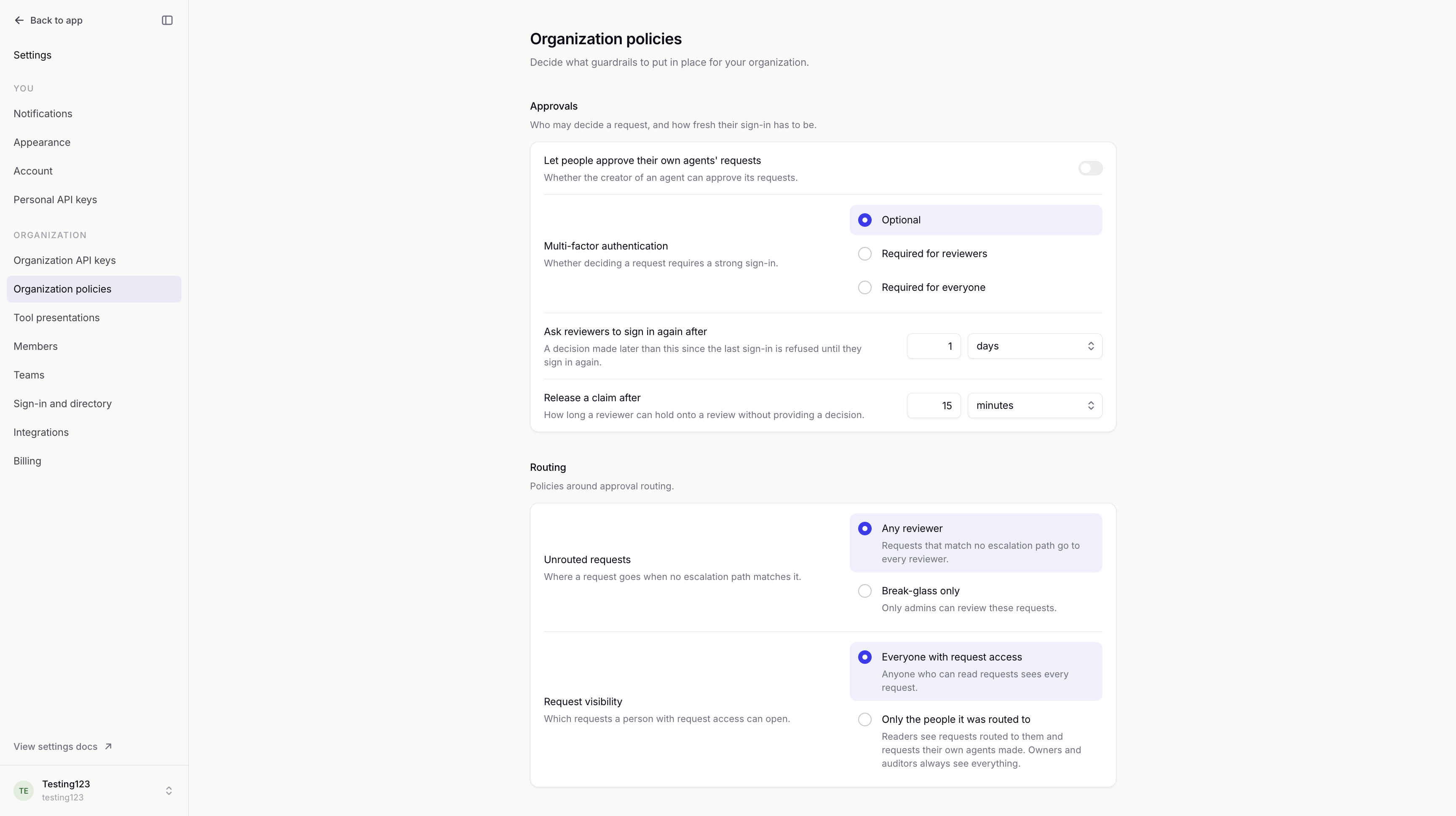
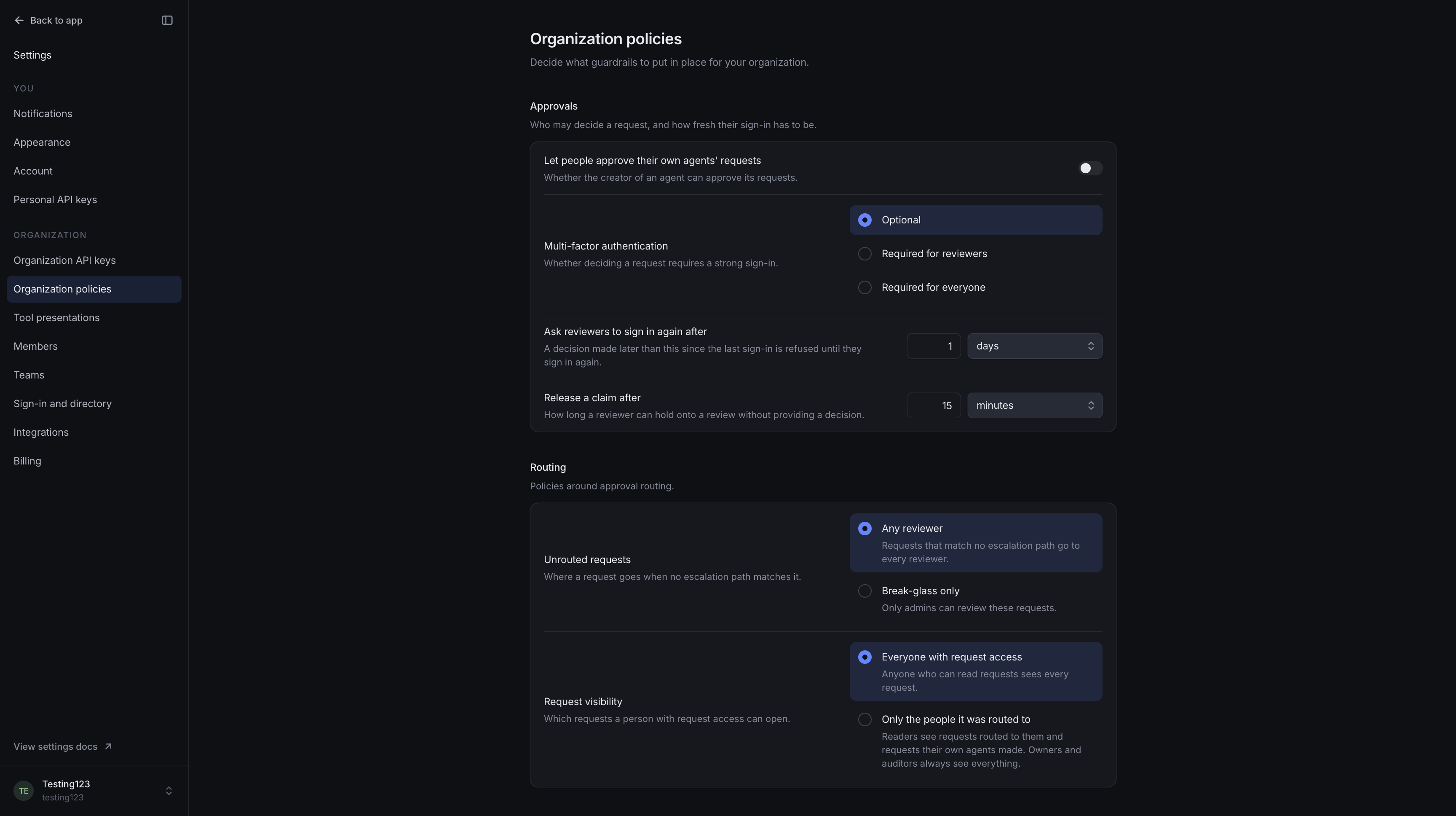
Ask reviewers to sign in again after sets how long reviewers can approve or deny requests before they need to sign in again. The default is 1 day.
Multi-factor authentication (MFA) requires an extra check when signing in. Optional does not require it. Required for reviewers and Required for everyone currently apply the same MFA checks.
Current limitation: withHuman's built-in sign-in methods, including SSO, do not yet support these checks. Keep Optional selected when using them. Either required setting prevents these reviewers from approving or denying requests.
Self-approval
Let people approve their own agents' requests is intended to control whether people can approve requests from agents they created.
Current limitation: this setting is not yet enforced. For independent review, assign requests to other people through an escalation path and limit permission for decisions outside routing.
Claims
Release a claim after sets how long a reviewer can hold a request while reviewing it. The default is 15 minutes; the maximum is 1 day.
A claim pauses escalation. When it ends, escalation resumes if the request still needs a decision. See Request claims.
Changing this duration affects new claims only.
Unrouted requests
Unrouted requests controls who can decide requests that have no escalation path.
- Any reviewer: anyone with permission to approve or deny can decide it.
- Break-glass only: a reviewer also needs permission to make emergency decisions. They must confirm the exception, which is recorded in Audit log.
Loading diagram…
Diagram source
flowchart TD
    request["Human review without an escalation path"] -->|Any reviewer| ordinary["Approval permission"]
    request -->|Break-glass only| emergency["Approval and emergency decision permissions"]
Example: Unassigned refunds
We'll use Break-glass only so a refund without an escalation path needs an emergency decision.
Request visibility
Request visibility controls what members with permission to read requests can see:
- Everyone with request access: readers can see all requests.
- Only the people it was routed to: readers see requests assigned to them or their teams. Requests without an escalation path remain visible.
Owners, auditors, and anyone with permission to view others’ requests can still see all requests.
Seeing a request does not give someone permission to approve or deny it. See Permissions.
Programmatic access
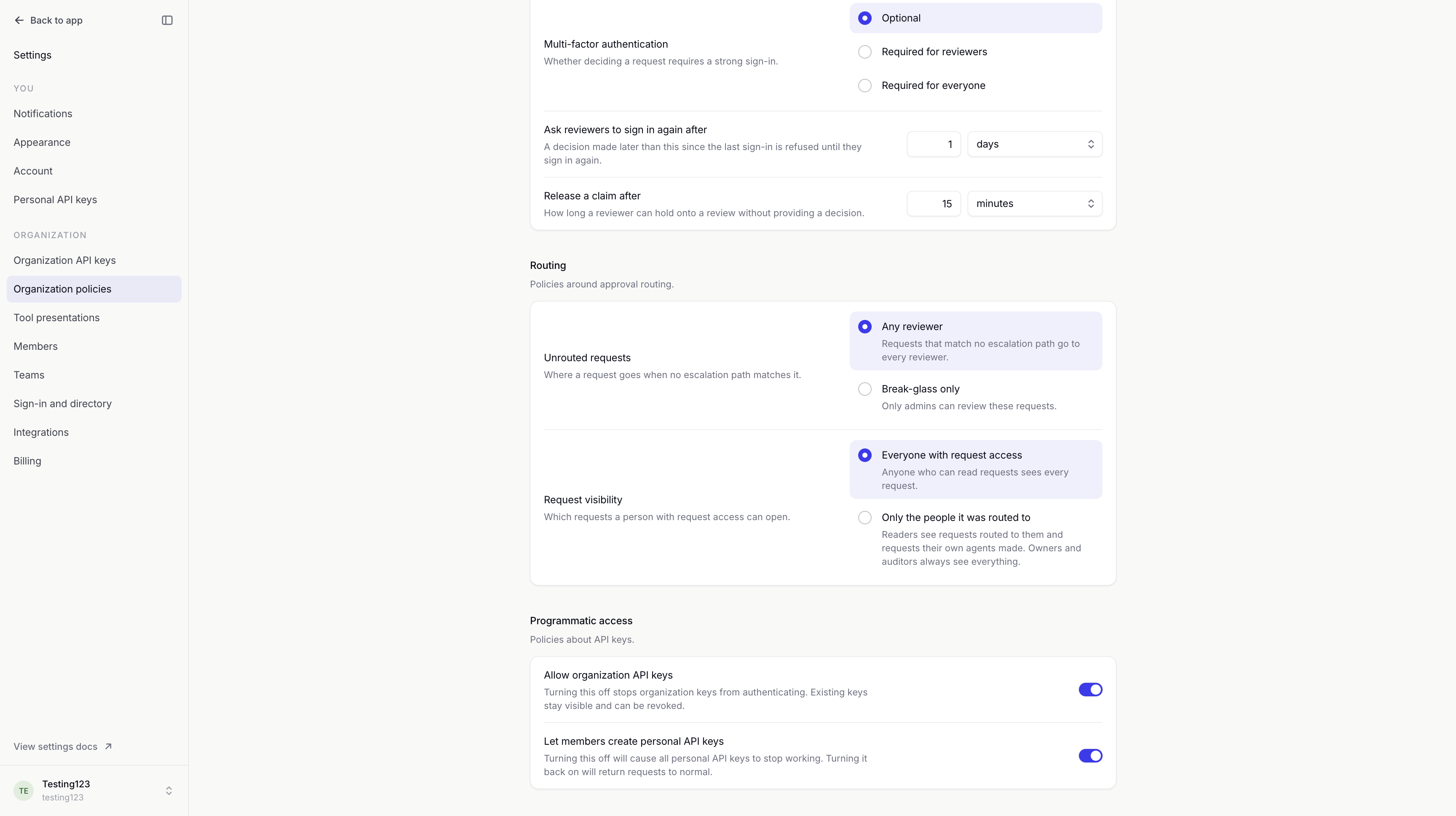
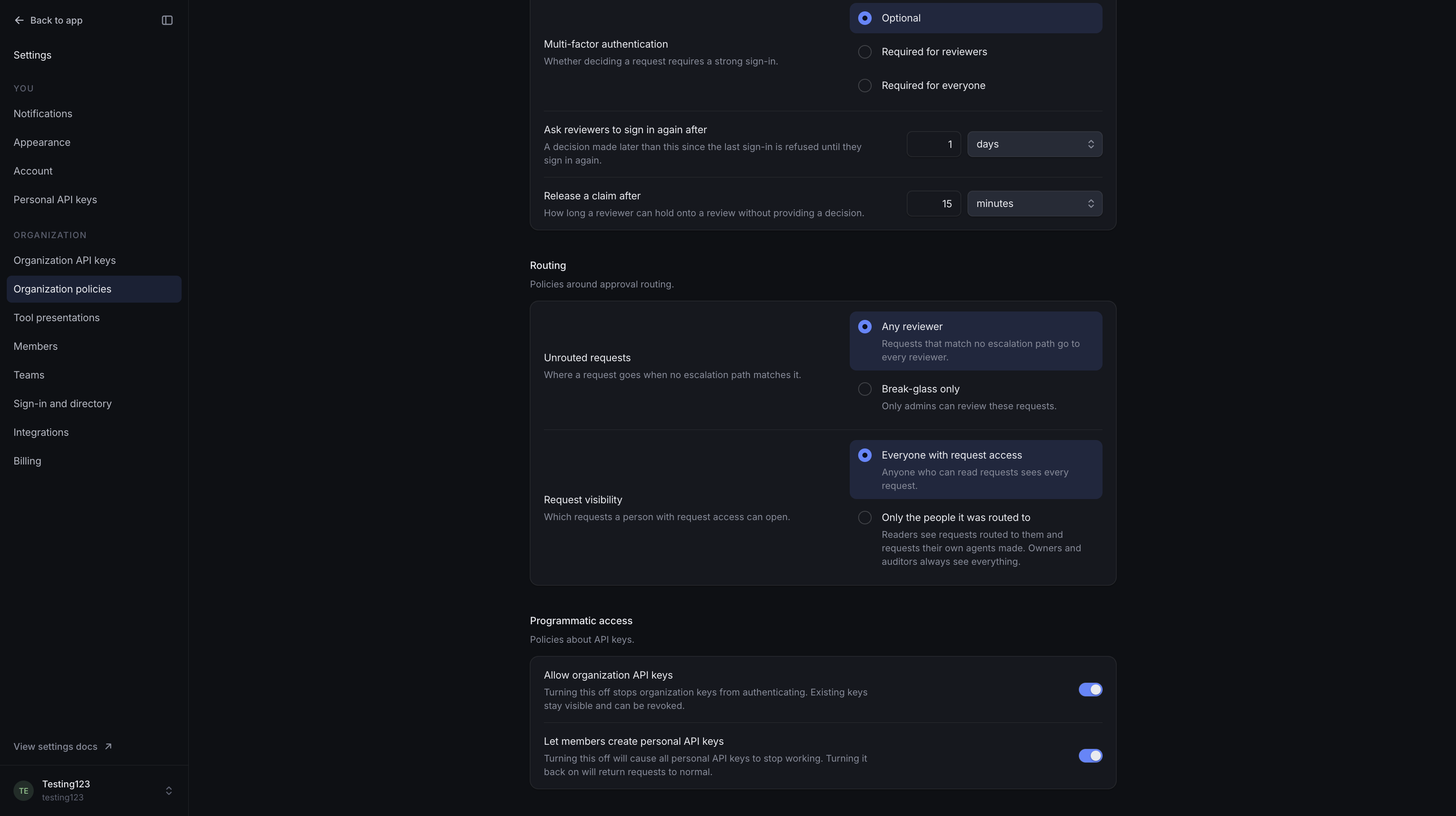
You can allow or disable organization API keys and personal API keys separately.
Turning off a key type stops people creating or using those keys, including keys already issued.
Existing keys are kept. Turning the setting back on allows valid keys to be used again.
Saving and access
Saved changes take effect immediately, including for requests waiting for review.
You need permission to change organization settings. Audit log records each change.