Billing
Manage your hosted plan, purchased seats, usage limits and payments.
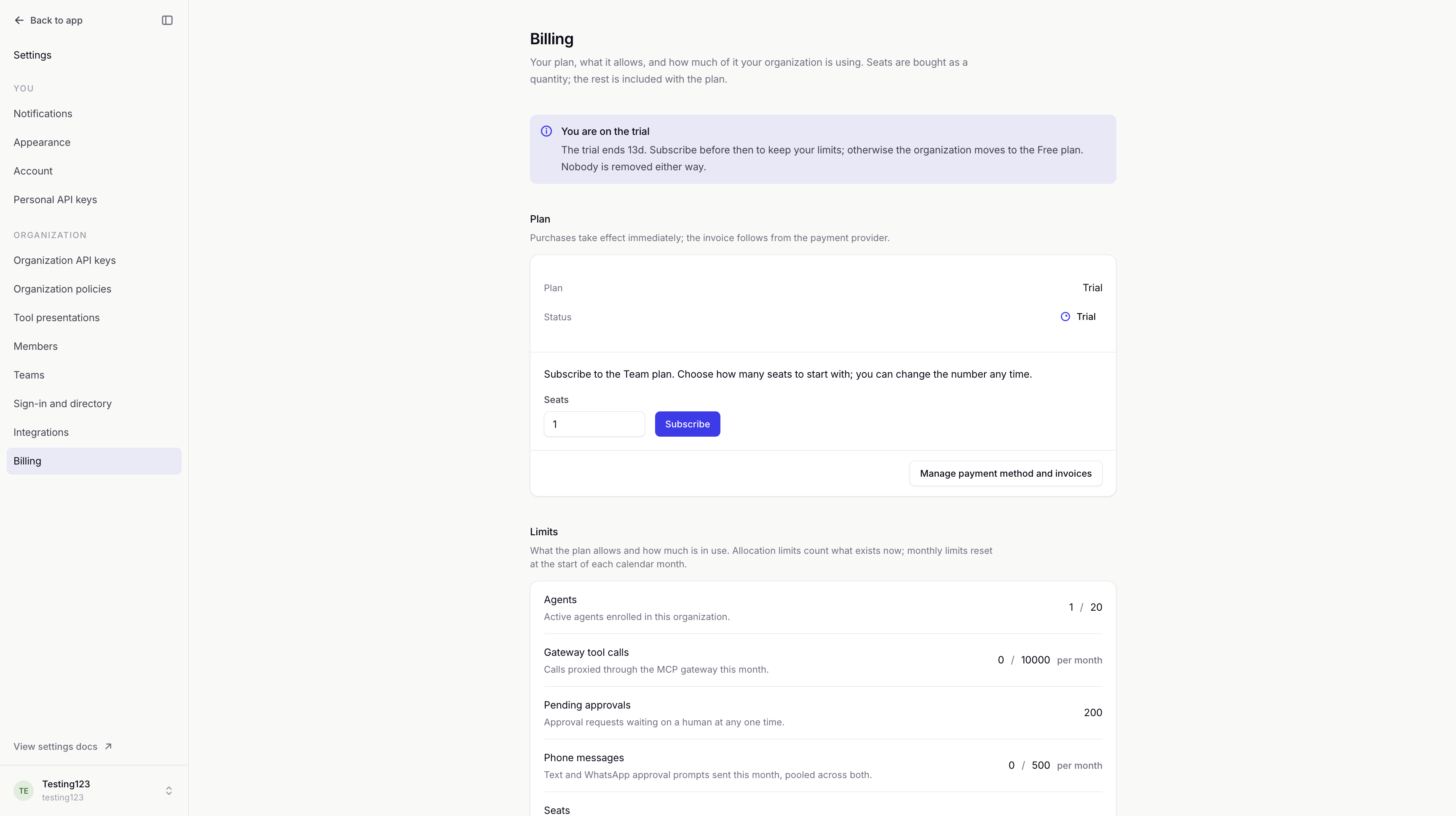
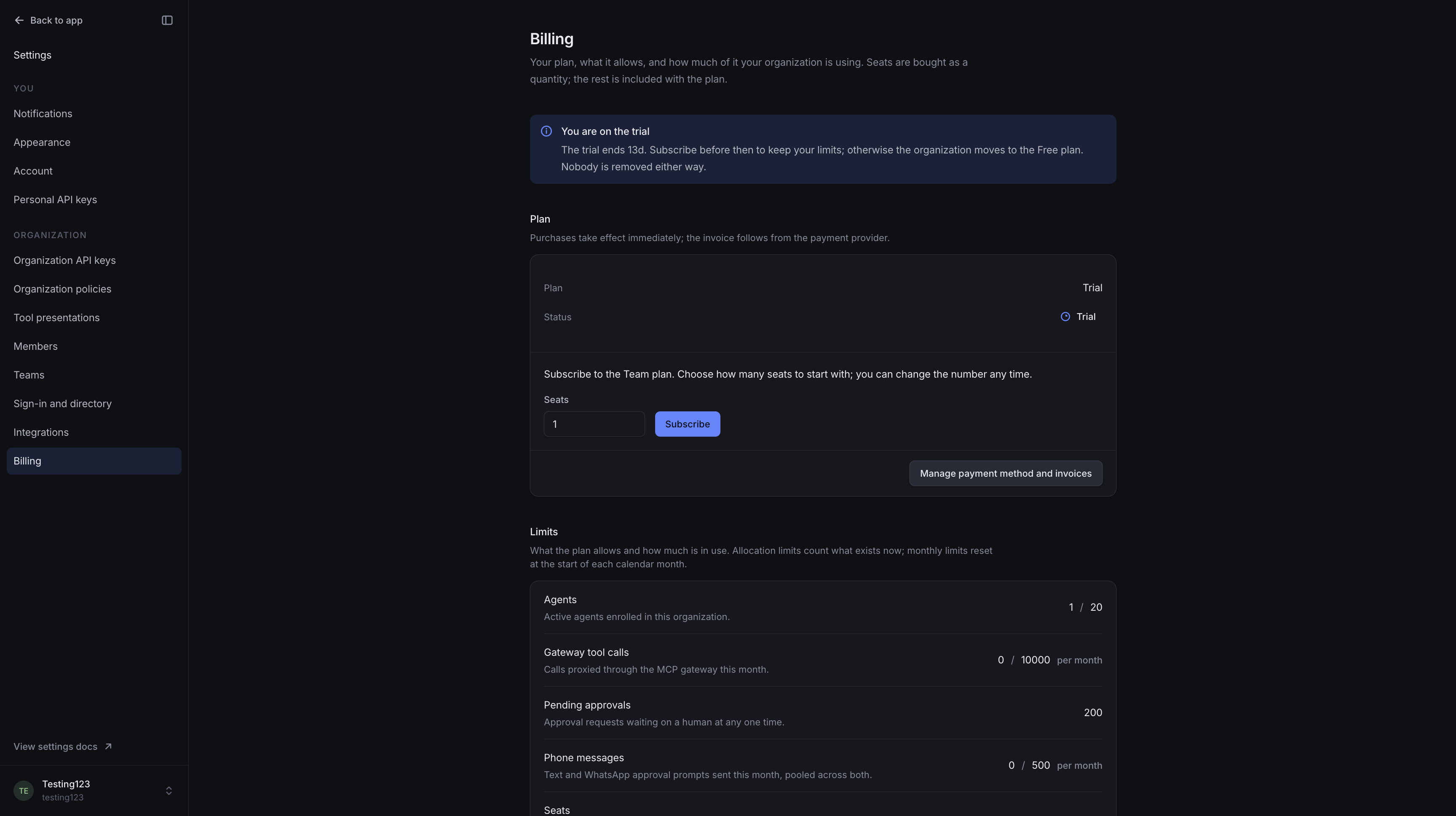
Billing manages your organization's hosted withHuman plan. It shows your subscription status, purchased seats and the limits included with the plan.
Plans and seats
Seats are bought in advance as a quantity. Each active member uses one seat, and each unexpired pending invitation reserves one. Accepting an invitation uses the seat it already reserved. Suspended and removed members do not use seats.
Subscribe starts checkout for the Team plan with your chosen seat count. The new limits apply after the payment provider confirms the subscription.
For an existing subscription, Update seats changes the purchased quantity. A successful update makes the new limit available immediately. Reducing the quantity below current use does not remove anyone; it blocks new invitations until there is room again.
Example: Seats for a review team
We have six active members and two pending invitations, so eight seats are in use. We'll purchase ten seats to leave room for two more people. If one invitation is no longer needed, revoking it frees its reserved seat.
See Membership management for invitations and member status.
Limits
Limits shows what your plan allows. Seats and agents count what is in use now. Pending approvals limits how many requests can wait for a human at once.
Monthly allowances, such as gateway tool calls and phone messages, reset at the start of each calendar month. Text messages and WhatsApp prompts share the phone-message allowance. Unlimited means there is no cap for that item; Granted identifies a custom allowance.
An Over quota warning means usage exceeds the current allowance. Increase the allowance or reduce usage before adding more of that resource.
Trial and payment status
The trial shows its end date. Without a subscription, the organization moves to the Free plan when the trial ends. Existing members stay; new invitations and agents are subject to the Free limits.
Manage payment method and invoices opens the payment provider's billing portal. It handles payment details and invoices.
Payment past due means a payment failed. Update the payment method in the portal. If the balance remains unpaid, access to the organization can be suspended. No subscription means the organization is on the Free plan; Invoiced indicates billing handled outside the self-service subscription.
Access and availability
Viewing billing and managing purchases are separate permissions. Ask an organization owner if you need access.
Billing is part of hosted withHuman. When no payment provider is configured, plan changes go through the deployment operator instead of checkout.