Permissions
Manage direct and inherited access, permission scopes and decisions outside routing.
The Permissions page controls what members and teams can do. A permission policy sets which actions they can perform and where they can do them.
Membership management covers invitations, suspension and removal. API keys covers access for scripts and shared integrations.
Permission policies
A policy has two parts: Permissions says what someone can do. Scope and Applies to say where. You can assign a policy to a member or a team.
Reading, editing and activating are separate permissions. For example, someone can edit an approval pipeline without being allowed to activate it.
Sensitive marks powerful permissions, such as granting access or deciding requests assigned to someone else. Changing these permissions may require you to sign in again.
Loading diagram…
Diagram source
flowchart TD
    actions["Permissions: what you can do"] --> policy["Permission policy"]
    scope["Scope and Applies to: where you can do it"] --> policy
    policy -->|Assigned directly| member["Member"]
    policy -->|Assigned to| team["Team"]
    team -->|Inherited by| roster["Every member of that team"]
The Permission reference lists every permission, what it allows and its available scopes.
Scope
Scope answers where the selected actions are allowed.
| Scope | Where access applies |
|---|---|
| Organization | Throughout the organization, including future resources. |
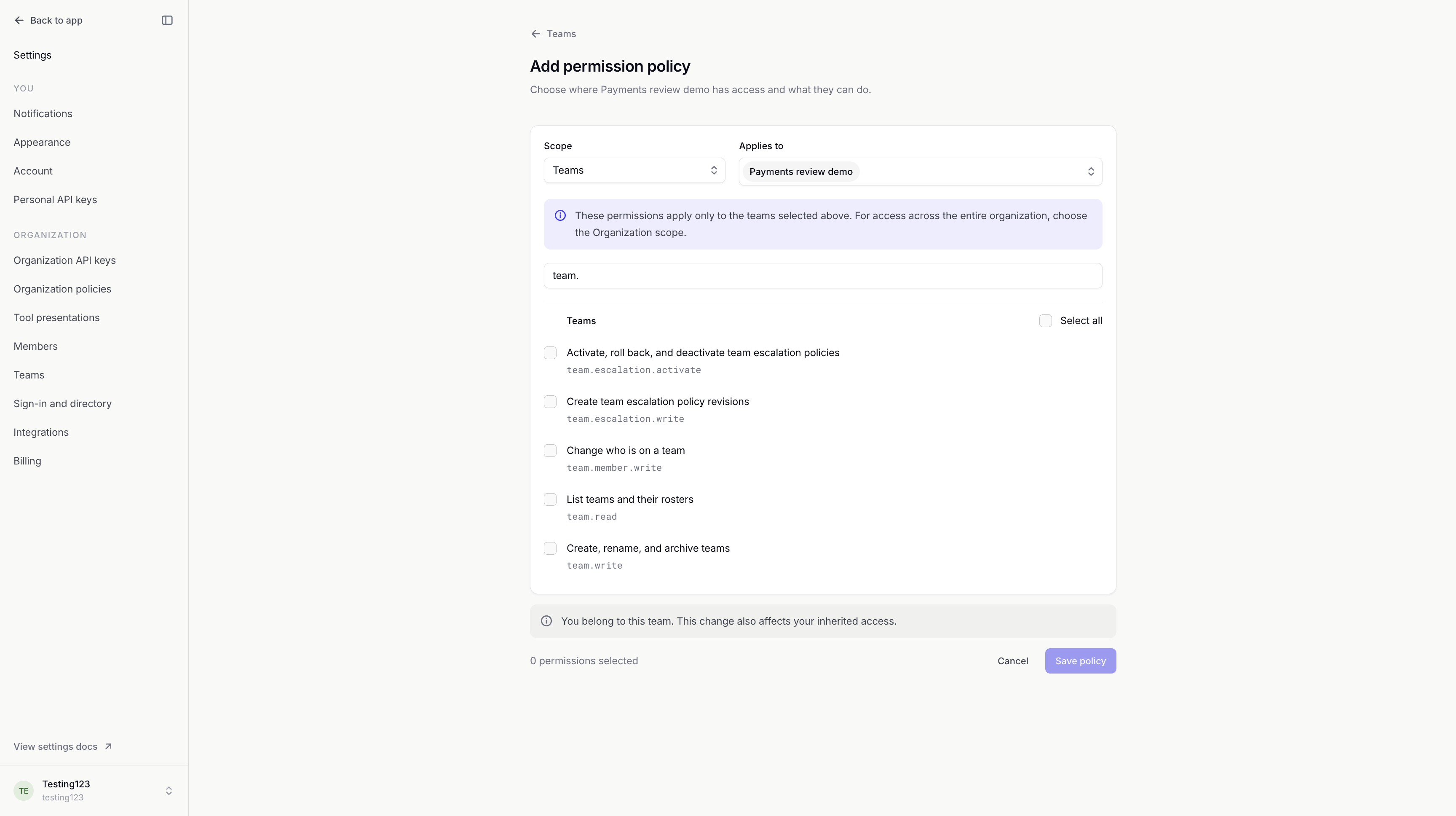
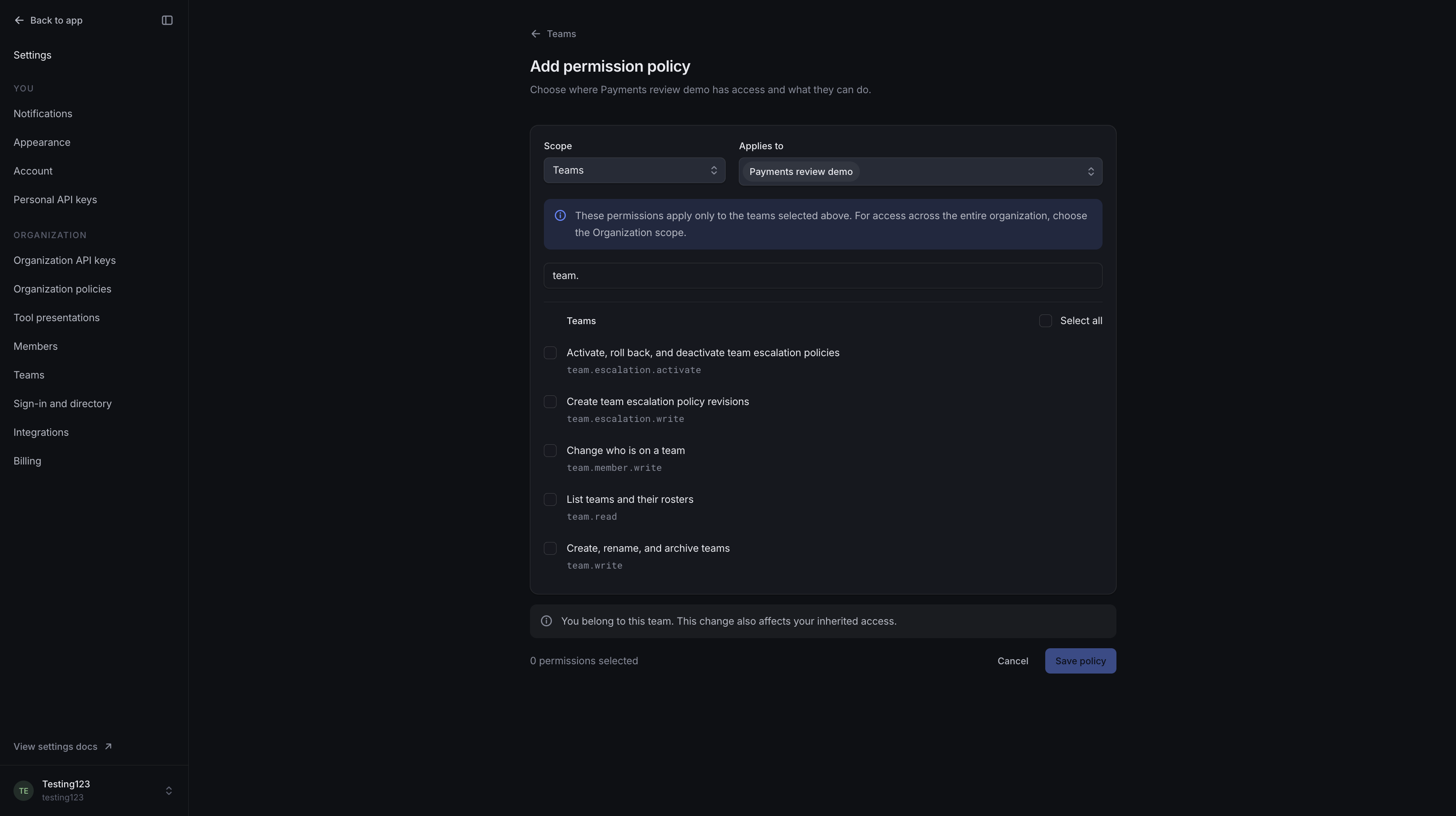
| Teams | Only to the teams selected in Applies to. |
| Agents | Only to the agents selected in Applies to, including their approval pipelines. |
The available permissions depend on the scope. Managing escalation paths and creating new teams or agents require Organization scope.
Assigning a policy to a team gives its members access. Choosing Teams as its scope controls which teams they can manage.
Direct and inherited access
Members receive permissions directly or through their teams. Their access combines both.
Inherited from names the team that provides a permission. Changes to that team's policy affect all its members. People gain the team's permissions when they join and lose them when they leave. Team administration covers membership.
Removing a policy does not cancel access granted by another policy. If another team or a direct policy gives someone the same permission, they keep it.
Review access and routing
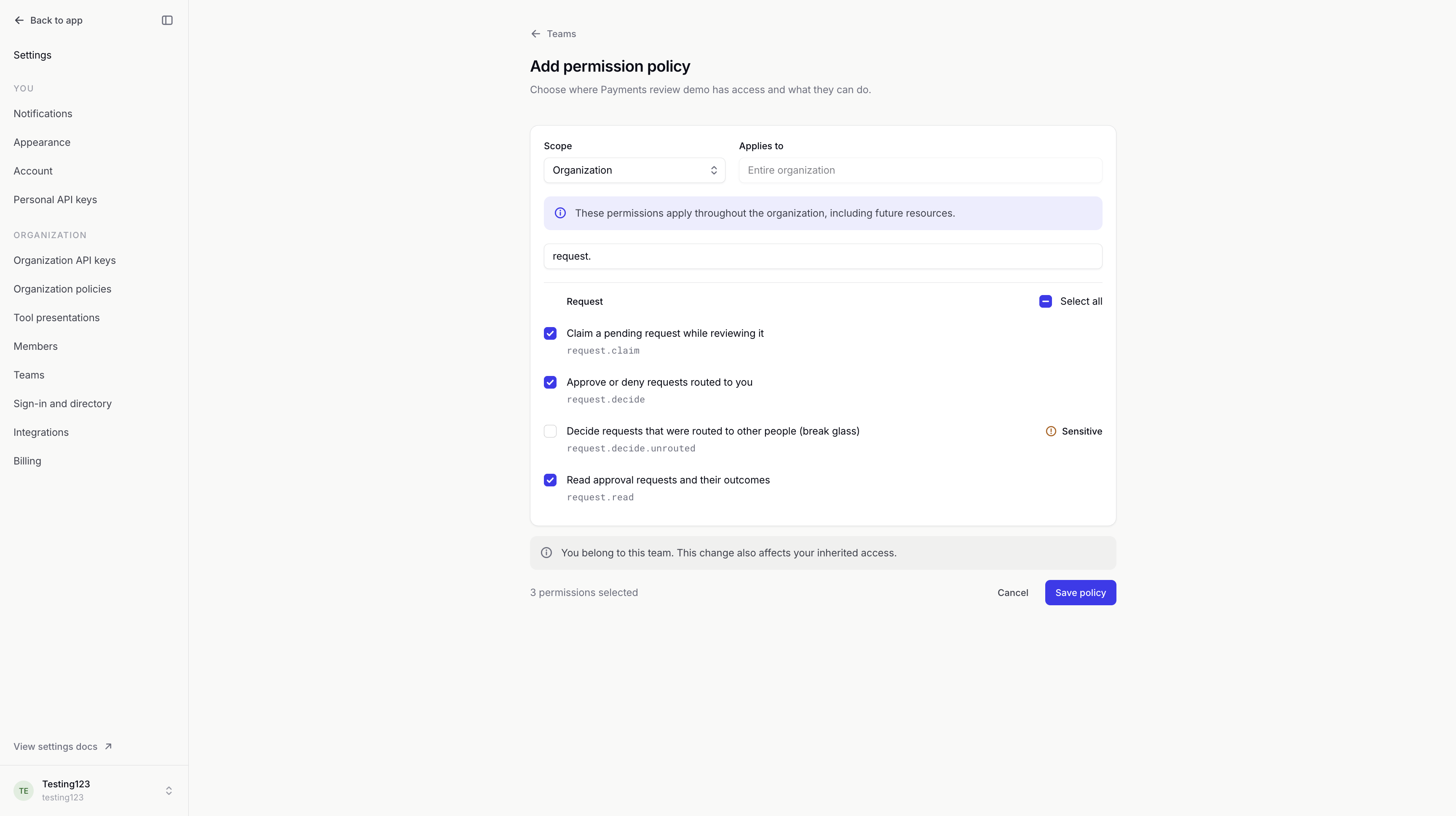
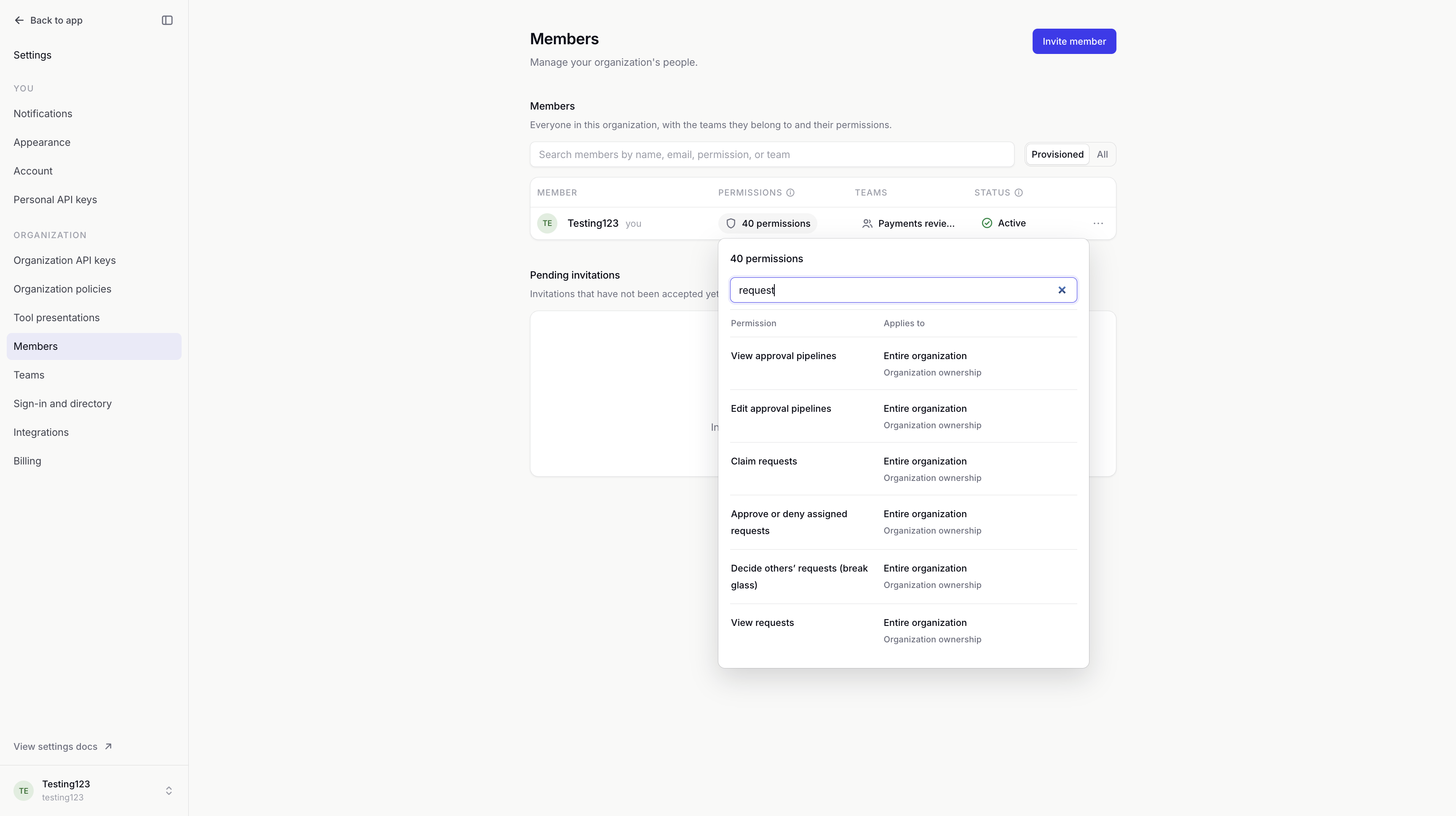
Reading, claiming and deciding requests are separate permissions. They use Organization scope. Permission to manage an agent does not include permission to approve its requests.
Permission to approve or deny lets you decide requests assigned to you or your team. You don't need to wait for a notification.
Loading diagram…
Diagram source
flowchart TD
    access["You have approval permission"] --> decision["Together, these let you approve or deny"]
    assignment["The request is assigned to you or your team"] --> decision
The Review queue explains claims, adding reviewers and decisions.
Example: Refund reviewers
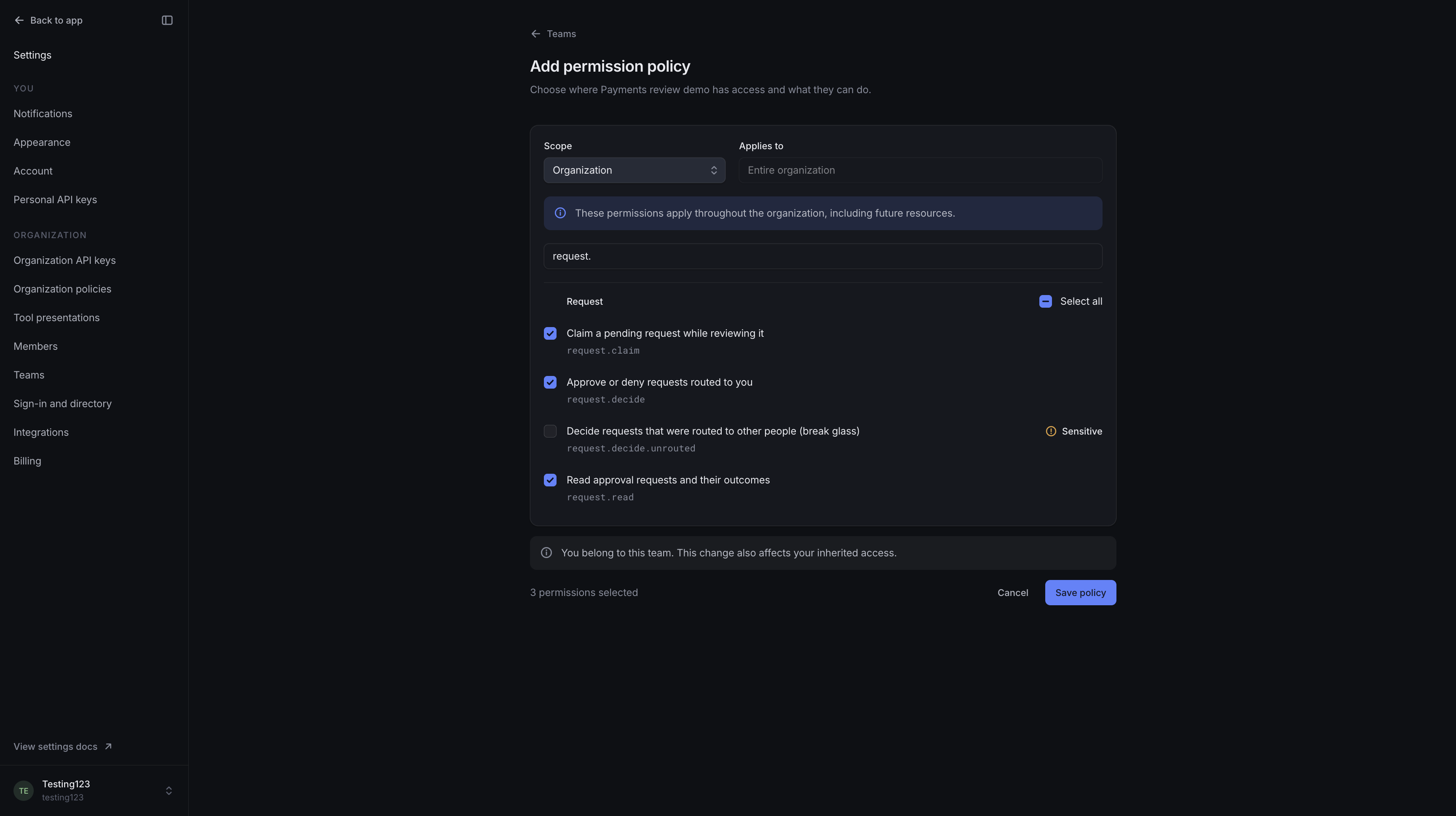
We'll give our Payments review demo team permission to read, claim and decide requests. An escalation path assigns refund reviews to the team. We leave emergency decisions outside routing out of this policy.
Decisions outside routing
Decide requests that were routed to other people (break glass) lets you step in when a request is assigned to someone else. You still need permission to approve or deny.
withHuman asks you to confirm that you're deciding outside routing. It records this in Audit log.
Your organization's sign-in requirements still apply. Expired or finished requests cannot be decided.
When no escalation path applies, the rules in Organization policies allow either anyone with approval permission or only people with this emergency permission to decide the request.
Organization ownership
Owners have full access, including decisions outside routing. Organization ownership is separate from permission policies. Adding or removing a policy does not change who is an owner.
Only an owner can change another owner's permissions. You cannot change your own direct permissions. The organization must always have at least one active owner.
Changes and access
Saving or removing a policy changes access immediately, including for requests already waiting for a decision.
Viewing and changing policies require separate permissions. You can grant only access you already have, within a scope you can manage. The editor explains any restrictions.
Inherited permissions are changed on the team that provides them. Directory-managed memberships and policies are changed through your identity provider. Inactive members must be reactivated before their permissions can change. Archived teams are read-only.
Audit log records policy additions, changes and removal.