Mobile apps
Sign in, receive notifications and review requests on iPhone or Android.
The withHuman apps for iPhone and Android let you review requests away from your desk. You can read the proposed action, claim a request, and approve or deny it from your phone. The apps sign in to the hosted edition; an open edition deployment has no phone app registration or push delivery.
Installation and sign-in
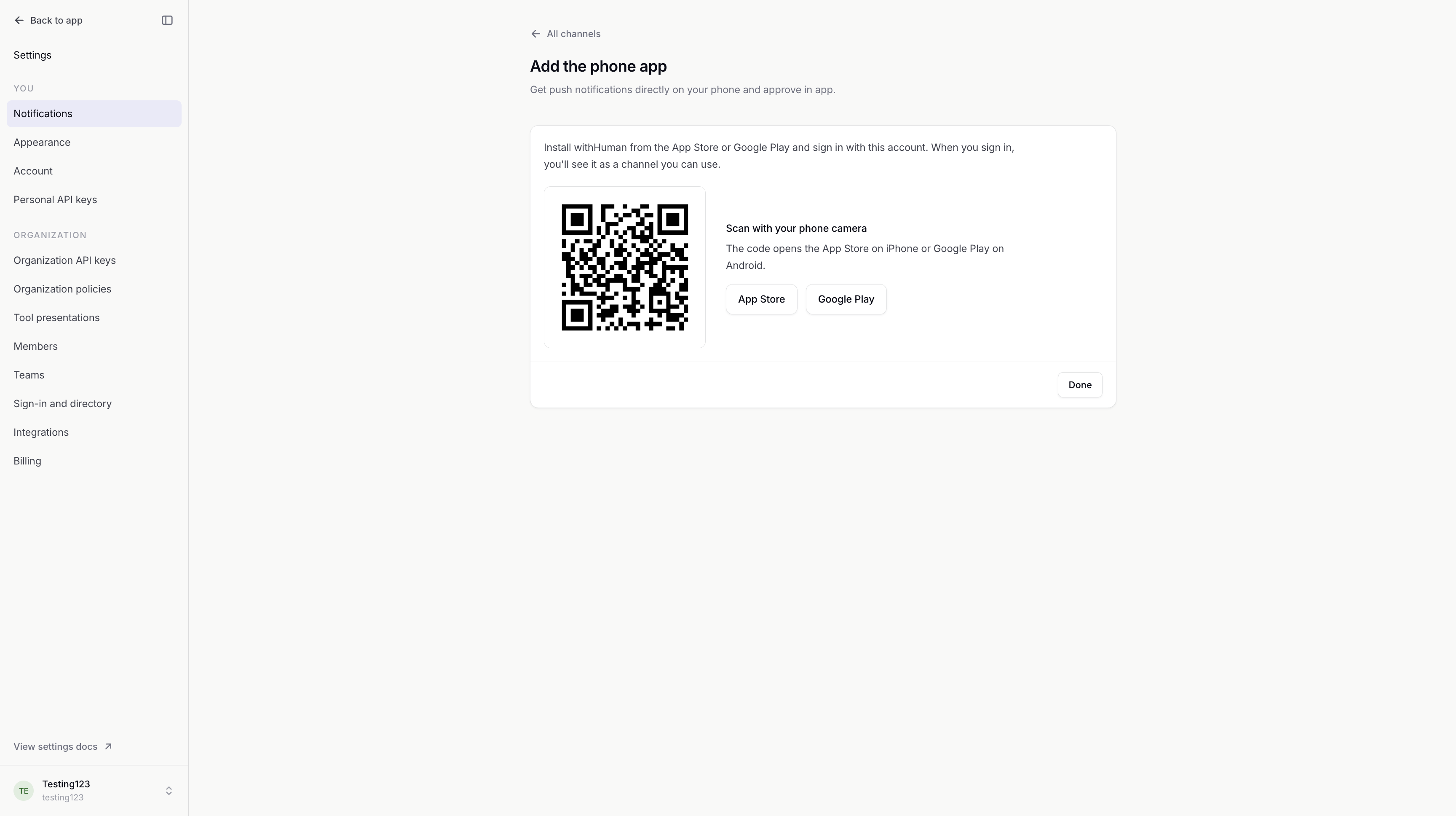
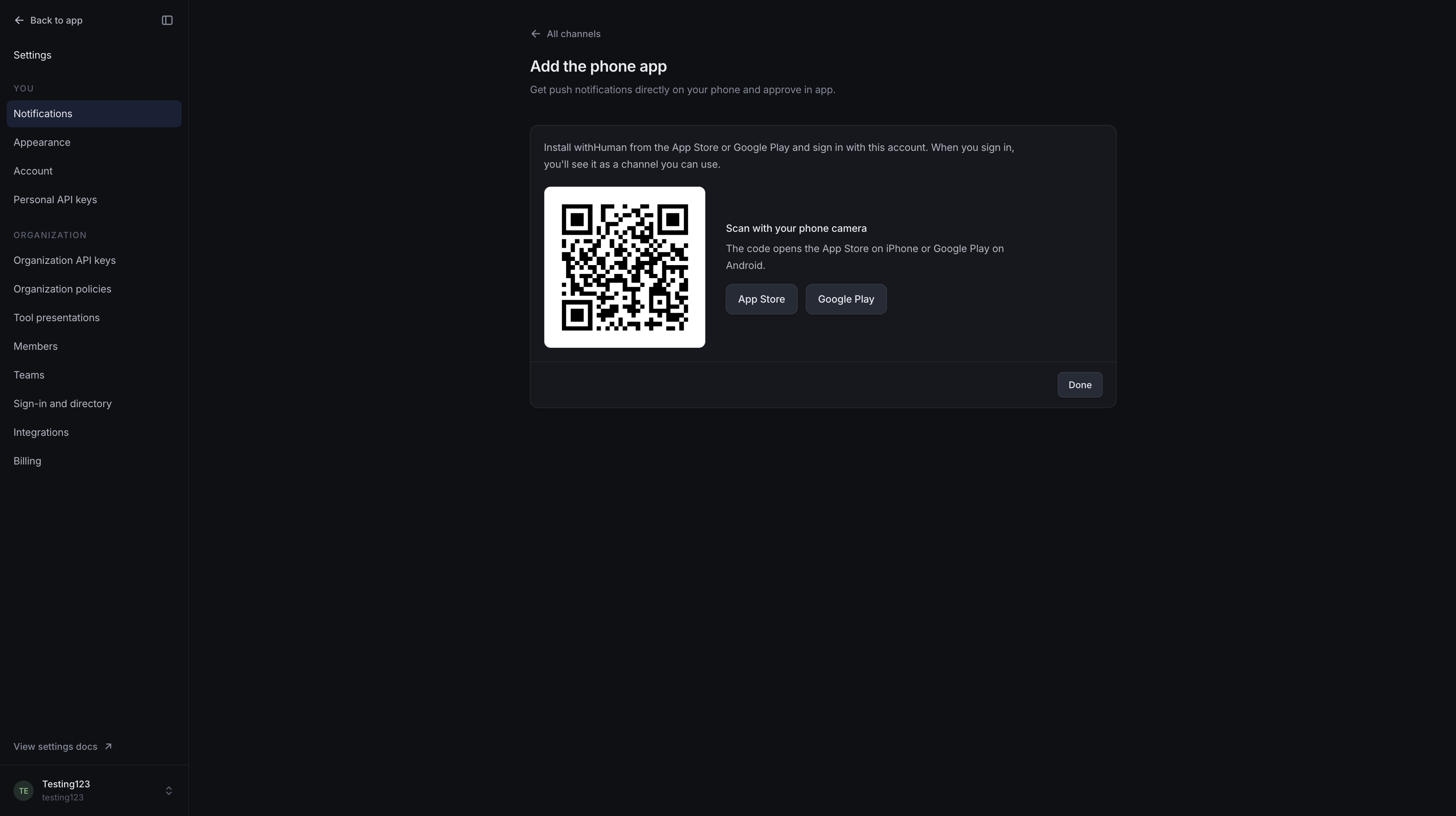
The phone-app download page offers the App Store and Google Play links. The web app's Add the phone app panel also provides a QR code for your phone camera.
Sign in with the same account you use on the web. The app offers the sign-in methods available for that account, including password and single sign-on. Provider sign-in opens a browser and returns you to the app. If you belong to several organizations, choose the one you want to review for.
Join your organization before signing in. Account creation and accepting invitations happen on the web.
Review queue
Pending shows requests still waiting for a decision. Resolved shows decided, expired and withdrawn requests; All includes both.
A request shows the agent, requested tool, arguments and time remaining. The readable summary and original JSON are both available. An optional Decision note adds context for the agent and audit trail.
Claim tells other reviewers you are looking into a request. Release makes it available for someone else to pick up. A claim pauses reminders and escalation, but other authorized reviewers can still decide.
Approve permits the action; Deny refuses it. The first accepted decision ends the request. When more requests are waiting, the app moves to the next one after your decision. You can also select multiple pending requests and decide them together.
The same access rules and deadlines apply on the phone and the web. See Review queue for decision permissions, claims and expiry.
Notifications
Allow device notifications to receive push alerts. Each registered phone appears as a channel in your web Notifications settings. Alerts open the request in the app; request arguments stay out of the notification to avoid leaking details.
The Phone app notification guide covers notification rules, missing alerts and removing a phone. Device settings such as Focus or Do Not Disturb can silence alerts.
Connection and sign-out
Reviewing requires a working connection to withHuman. If the queue cannot refresh, the app may keep the last loaded requests visible. A failed decision is not queued for automatic delivery later; reconnect and check the request's current status.
Settings shows your account, organization, server and notification status. Sign out ends the phone's session and unregisters it for push notifications. Pending requests remain available to other reviewers.