MCP Gateway
Connect downstream MCP servers and let your approval pipeline decide every call through them.
Credentials stored on an agent's machine can give it a way around approval. If the agent can read an API key from an environment variable or configuration file, it can use curl or a script to call the service directly. Approval checks on its MCP tools do not protect that direct route.
The MCP Gateway is part of the hosted edition. The open edition has no gateway: its agents call their MCP servers directly and withHuman sees those calls through the agent's hooks alone.
The MCP Gateway keeps the external service's credentials in withHuman, separate from the agent's environment. The agent connects to the gateway using its own withHuman credential. You choose which tools it can use. Every call it makes goes through your approval pipeline, which decides whether the gateway forwards it to the external MCP server, holds it for a person, or refuses it.
Loading diagram…
Diagram source
flowchart TD
    subgraph protected["Through the gateway"]
        direction TB
        agent["Agent's machine<br/>withHuman credential"]
        gateway["withHuman gateway<br/>Service credentials<br/>Approval pipeline"]
        second["External MCP server"]
        agent -->|Tool call| gateway
        gateway -->|Permitted call| second
    end
    subgraph direct["Direct connection"]
        direction TB
        local["Agent's machine<br/>Service credentials"]
        first["External MCP server"]
        local -->|MCP tool or curl| first
    end
This separation matters: keep the service's credentials and other ways to perform the same action out of the agent's reach, so it must use the gateway for those actions.
Servers
The Gateway page lists your organization's registered MCP servers. Search by name or slug, and use Live, Archived or All to narrow the list. Live includes inactive servers; the active revision and credential status show whether a server is ready for use.
Each server has a display name, a permanent Slug and a URL. The slug becomes part of the tool names agents see. Several agents can share a server while having different tool access.
A newly registered server is inactive. Its connection, credentials and agent access can be prepared before activation makes it available to agents.
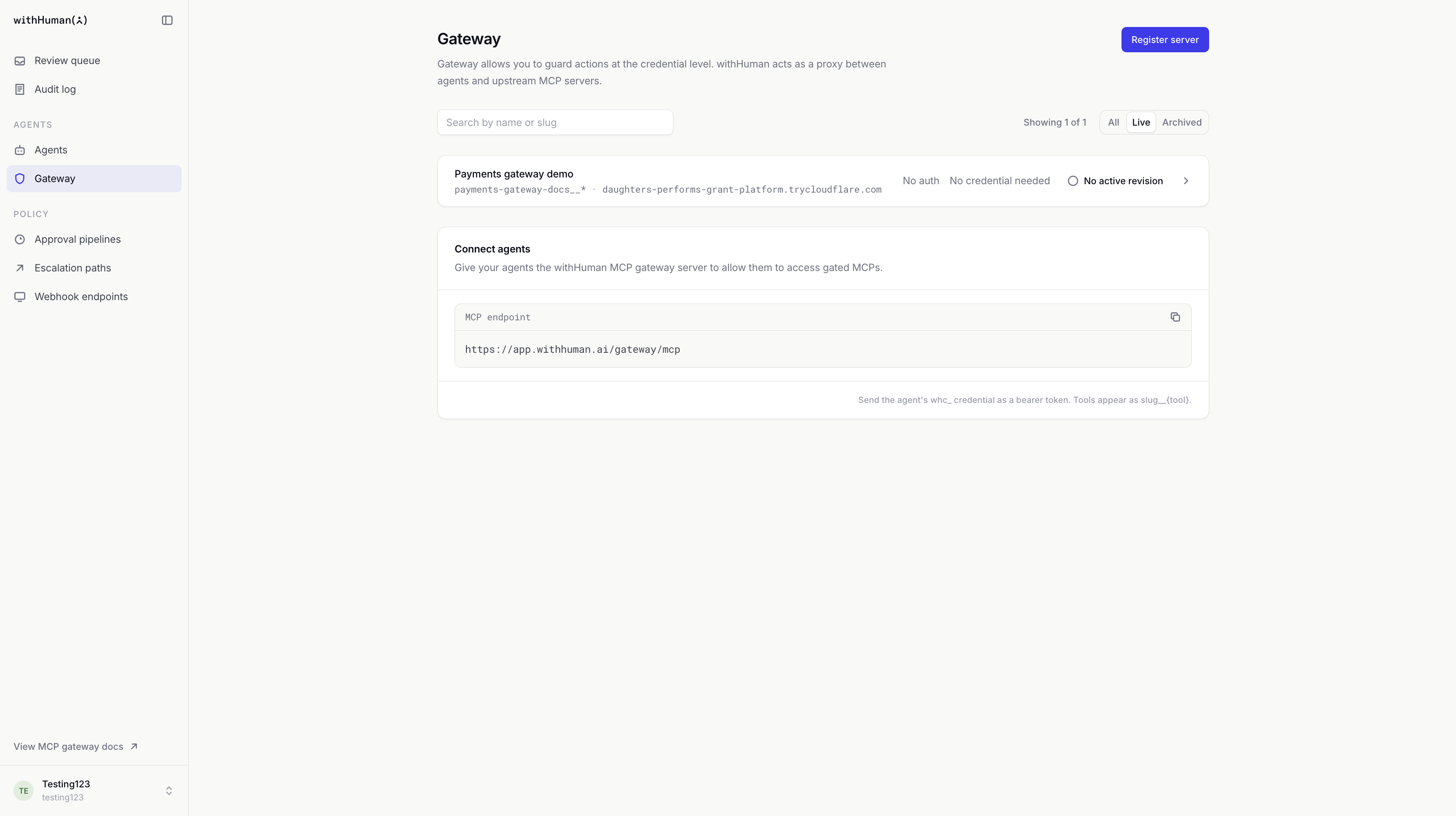
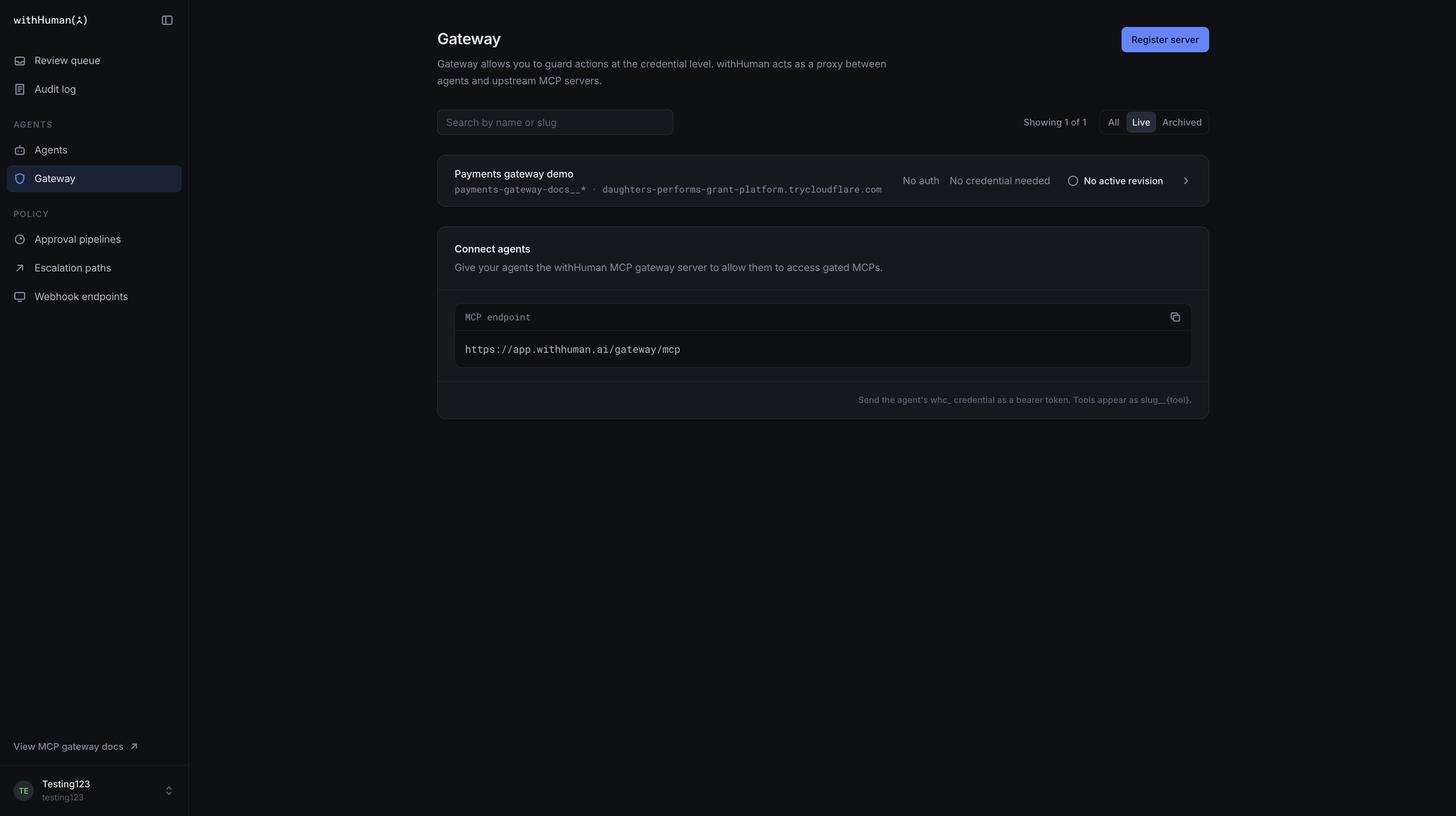
Connections and credentials
The server URL must be a remote MCP endpoint supporting Streamable HTTP, reachable from your withHuman deployment. A local command that starts an MCP server is not a server URL.
Authentication mode describes how withHuman connects to that server:
| Mode | What it provides |
|---|---|
| Static headers | Saved headers, such as an Authorization header, accompany connections to the service. Their values are not shown again after saving. |
| OAuth | A connection authorized through the service's sign-in flow. Some services require a client ID, client secret or scopes. |
| No auth | A connection to a server that does not require credentials. |
Credentials belong to the server and are shared by its revisions and agent uses. Replacing headers or reconnecting OAuth changes that shared connection. Changing the URL, changing authentication mode or rolling back a revision does not restore an earlier credential.
Disconnect removes the credential stored by withHuman. It does not revoke the credential at the external service; revoke it there too when it should no longer work.
Agent tool access
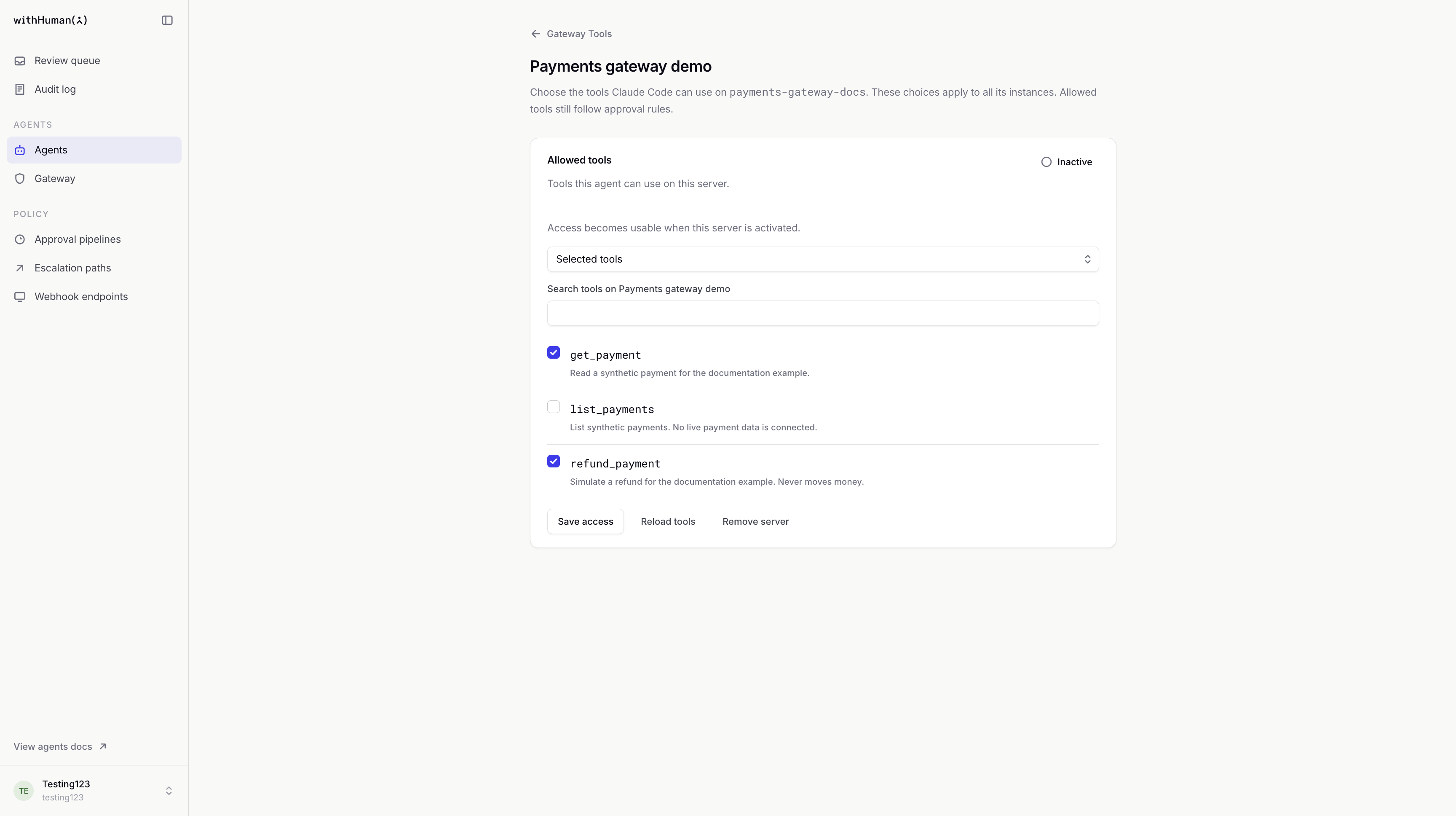
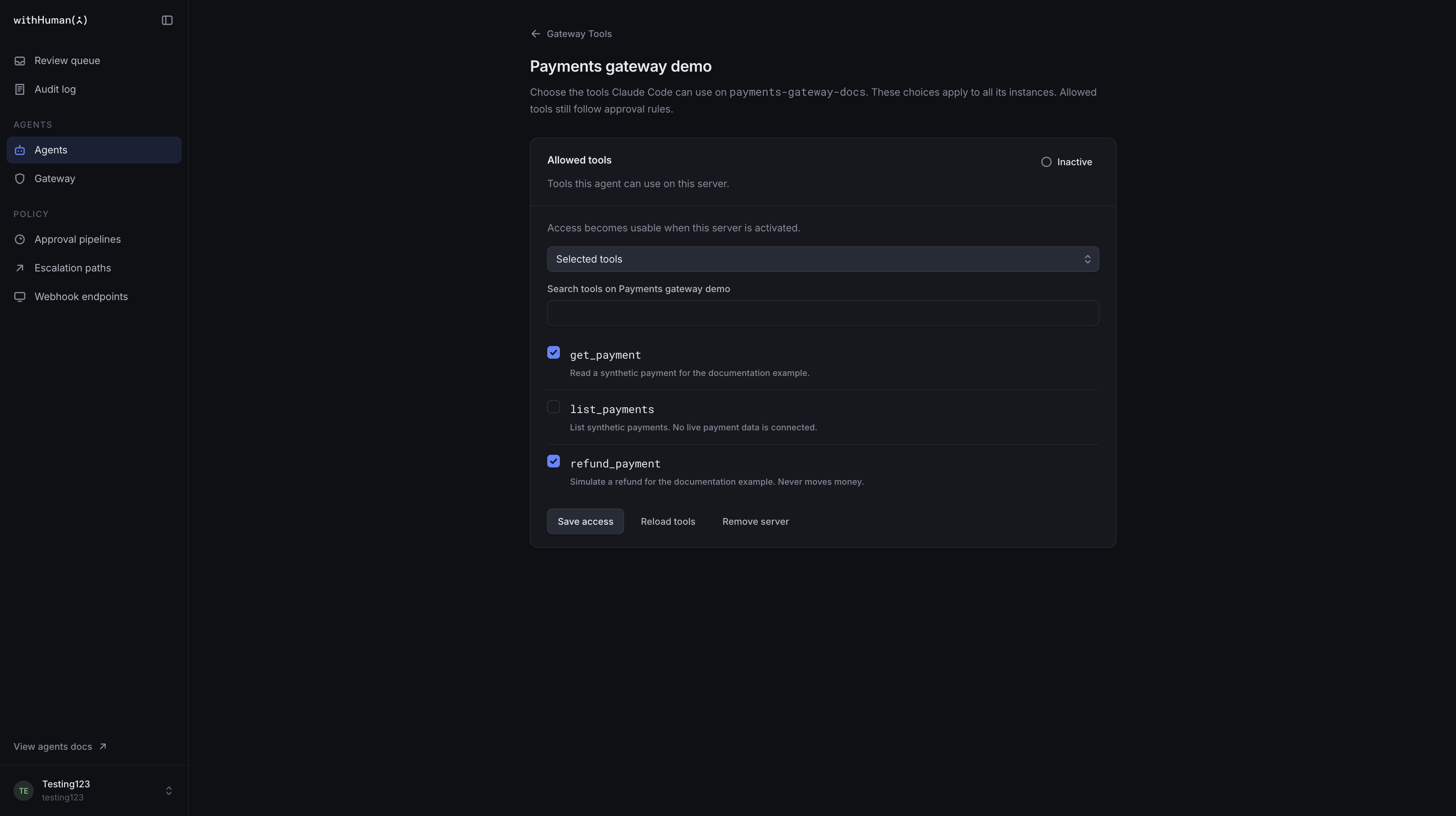
An agent's Gateway Tools determines which tools it can see and call on each server. Every instance of that agent inherits the same choices. Agents start with no access, and adding a server grants no tools until a selection is saved.
| Choice | Effect |
|---|---|
| Selected tools | Allows only the named tools you select. New tools are not added automatically. |
| All tools, including future tools | Allows every tool the server offers now and later. |
| Remove server | Removes this agent's access to the server. Other agents keep their own access. |
Access can be prepared while a server is inactive. Saving access changes the agent's next tool listing and calls, including calls still waiting for approval. Removing access blocks those waiting calls even if they are later approved. It cannot undo a call already sent to the external service.
Approval
Tool access and approval answer different questions. Access decides whether an agent may use a tool at all. Your approval pipeline decides what happens to each allowed call. Nothing on the server page chooses which calls wait for a person: the gateway sends every allowed call to the pipeline.
Loading diagram…
Diagram source
flowchart TD
    call["Agent calls a tool"] --> gateway["Gateway checks the agent's access"]
    gateway -->|Tool not allowed| blocked["Call blocked"]
    gateway -->|Allowed| pipeline["Approval pipeline"]
    pipeline -->|Approved| server["External MCP server"]
    pipeline -->|Denied or expired| blocked
The pipeline can approve or deny a call automatically, or send it to human review. An escalation path selects reviewers when a person is needed. The tool call waits for the decision; a denial, expiry or failure to obtain a decision prevents it from reaching the server. With no pipeline block deciding a call, it waits for a person.
Write conditions with the server's own tool names, as the server's Tools listing shows them, without the gateway's slug prefix. Use the MCP server condition field to keep a rule to one server when two servers name a tool the same way. See Conditions.
Example: Refund access
For our Payments gateway demo, we'll allow get_payment and refund_payment, leaving list_payments unavailable. In the pipeline, a block that matches MCP server payments-gateway-docs and Tool name starting with refund_ sends the call to a person, and a block for get_payment approves it.
Reading one payment then proceeds without waiting. A refund waits for a reviewer. Listing all payments stays unavailable, regardless of whether someone would approve it.
Drafts and activation
A revision records the server's name, URL and authentication mode. Saving a draft preserves proposed changes without affecting the active configuration. Make active makes a saved revision available to agents that have tool access.
Revisions keeps the saved history. Activating an earlier revision rolls back those settings. Credentials and agent tool access are managed separately, so neither is rolled back with the revision.
A waiting call is not guaranteed to use the old connection. Before forwarding an approved call, the gateway checks current access and uses the server's current active connection. Deactivating the server or removing the agent's access can still block it.
Agent connections
The Connect agents section provides the gateway's MCP endpoint. Configure an agent runtime that supports remote Streamable HTTP with that address and its own agent instance credential.
| Setting | Value |
|---|---|
| Transport | Streamable HTTP |
| MCP endpoint | The address shown in Connect agents. On hosted withHuman: https://app.withhuman.ai/gateway/mcp |
| Authorization header | Authorization: Bearer <instance credential> |
The instance credential starts with whc_. Use a separate credential for each instance; personal and organization API keys are not gateway agent credentials.
Agents see only their allowed tools on active servers. Names use <server-slug>__<tool-name> so tools from different servers remain distinct. Our example's refund tool appears as payments-gateway-docs__refund_payment.
The gateway currently forwards tools only. MCP resources, prompts, sampling and elicitation are not supported.
Activity and connection problems
Tools discovery checks that withHuman can reach the server and read its tool list using the saved credential. It can work before activation. It does not call a tool, check an agent's access or test a pipeline decision.
A controlled call from a connected agent checks the full route. Calls that wait for a person appear in the Review queue. Automatic decisions do not wait there. Every call through the gateway is an approval request, so the request list shows its decision, and the Audit log records the call's outcome with the agent instance and its request. See Gateway activity for the event details.
A forwarded call has been sent to the server; that does not prove the external action succeeded. Check the tool's response too.
| What you see | What it means |
|---|---|
| No tools appear for the agent. | Check the server's active revision, the agent's saved tool access and its instance credential. |
| Discovery unavailable or a connection failure | Check the MCP URL, service availability and stored credentials. Saved tool selections remain in place. |
| A selected tool is Not advertised | The server no longer lists that tool. Refresh discovery or remove the old selection. |
| A call is blocked after approval. | Access or server status may have changed while it waited. Approval does not restore removed access. |
| The gateway endpoint is missing or unavailable. | Ask the deployment administrator to check that the gateway is configured and reachable. |
Deactivation and archiving
Deactivation pauses a server without deleting its configuration or credentials. A saved revision can be activated again later.
Archive server is permanent. It stops access, removes stored credentials and preserves the server's history. The slug stays reserved. Use deactivation when you expect to bring the server back.
Permissions
Viewing gateway servers and managing them require different permissions. Management covers configuration, credentials, activation and archiving. Viewing or changing an agent's tool access also requires permission to read that agent. Archived agents and servers are read-only.
Gateway management does not grant permission to decide approval requests. See Permissions for access policies and scopes.